
Features
Everything here is in the app today.
The sections follow the app's menu, so you'll find each thing where this page says. Most rows link to a help page.
1 · Your week
Today, the plan, and everyone's week.
What's next today, the plans behind it, and one calendar for everyone you look after.
1 · Your weekRoutines today
“Tick one when you've done it today.”
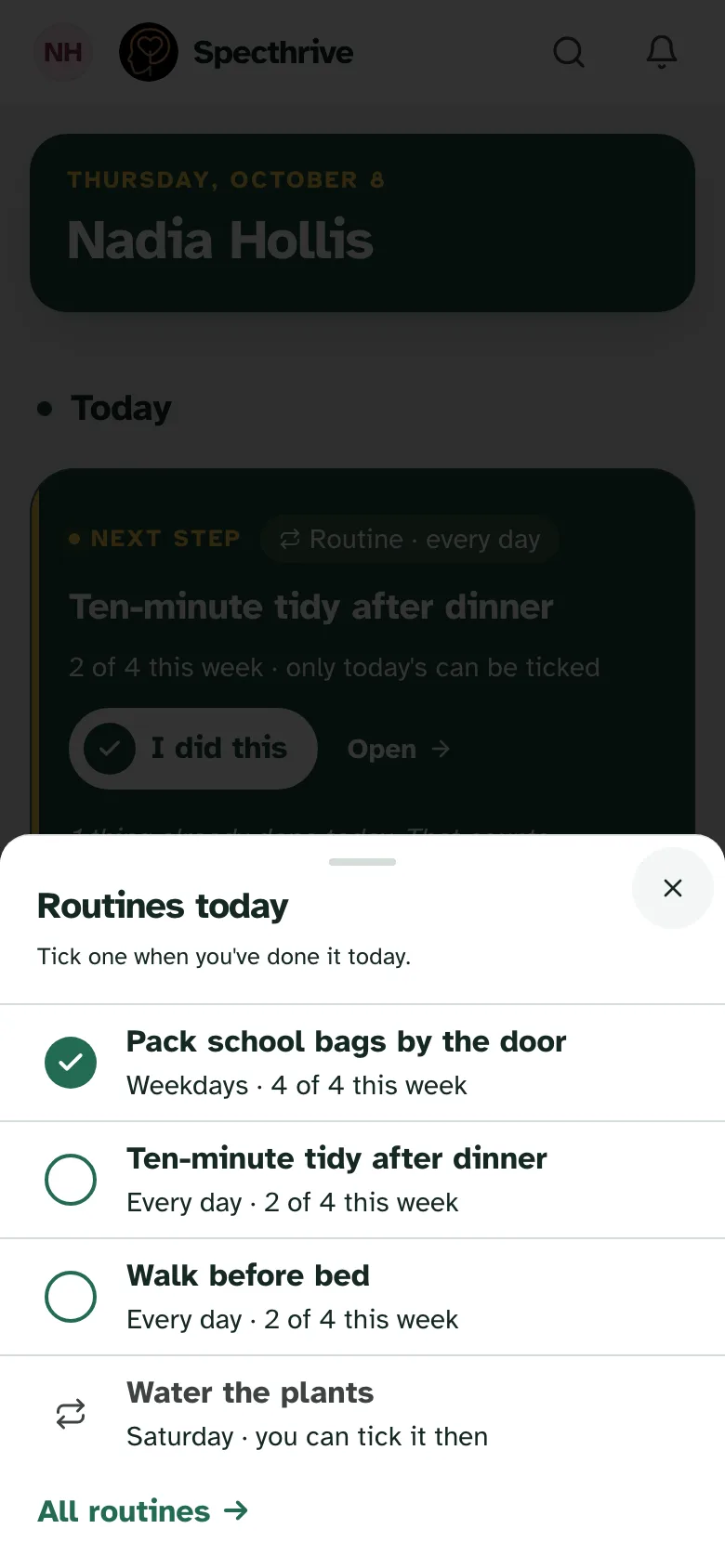
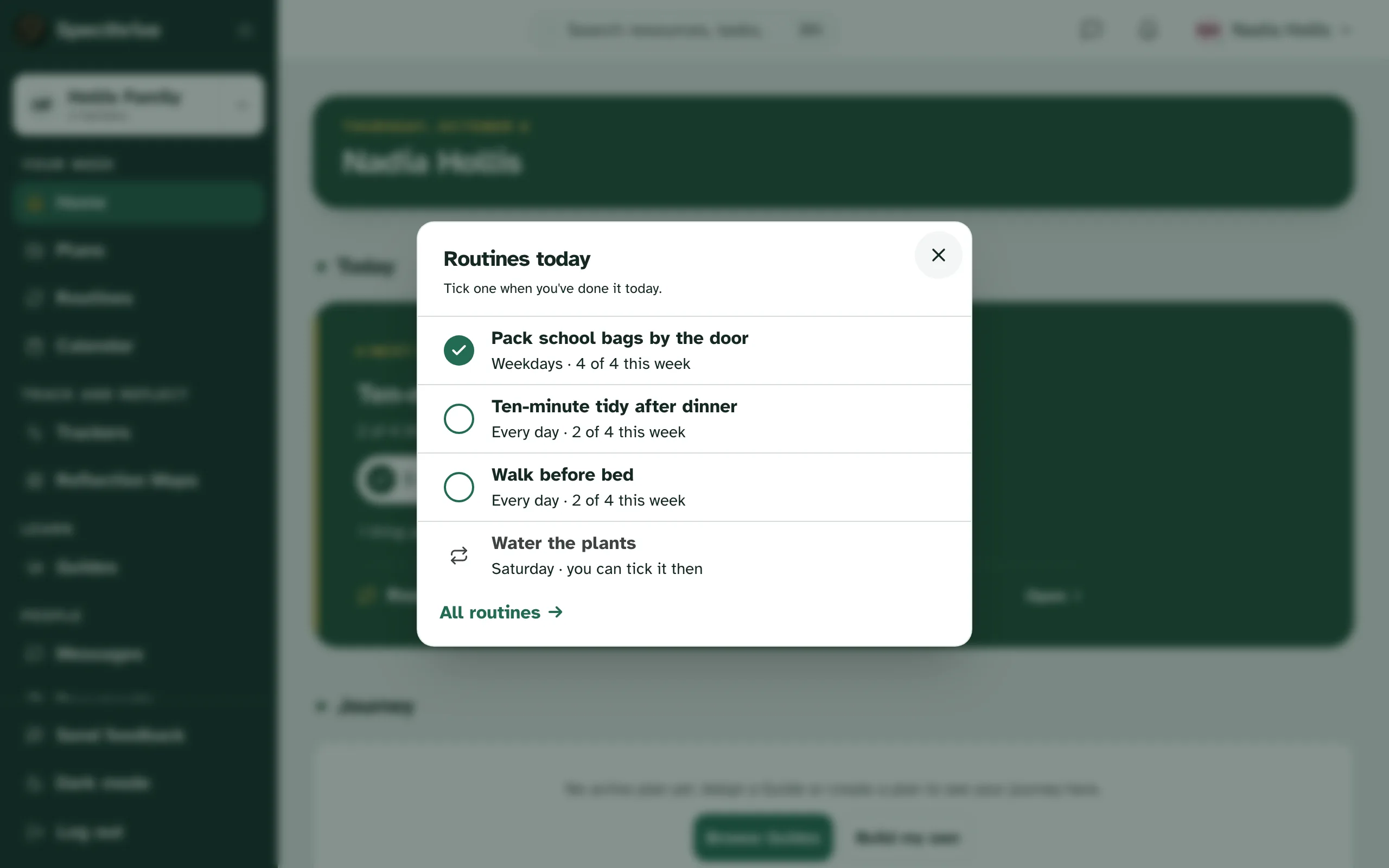
- Home and TodayHelp Home opens on today: one next step, “I did this”, and a Showing up strip. A slow week still counts.
- PlansHelp Goals broken into steps. Pick what's in focus, and the rest waits, saved for later.
- RoutinesHelp Checklists that repeat: daily, on weekdays, weekly, or when you need them. Nothing is ever marked missed.
- CalendarHelp Day, Week and Month, with a jump back to today. Each person has their own colour, and on a computer, By person puts everyone's week side by side. Type to add, and move an item to another day.
- RemindersHelp A reminder before events and goal deadlines.
- View-only linkHelp Send a view-only link to someone who helps. Its Subscribe link puts the calendar in their own calendar app.
2 · Track and reflect
Notice what's happening, and look back.
Trackers for the day to day. Reflection Maps for the longer story.
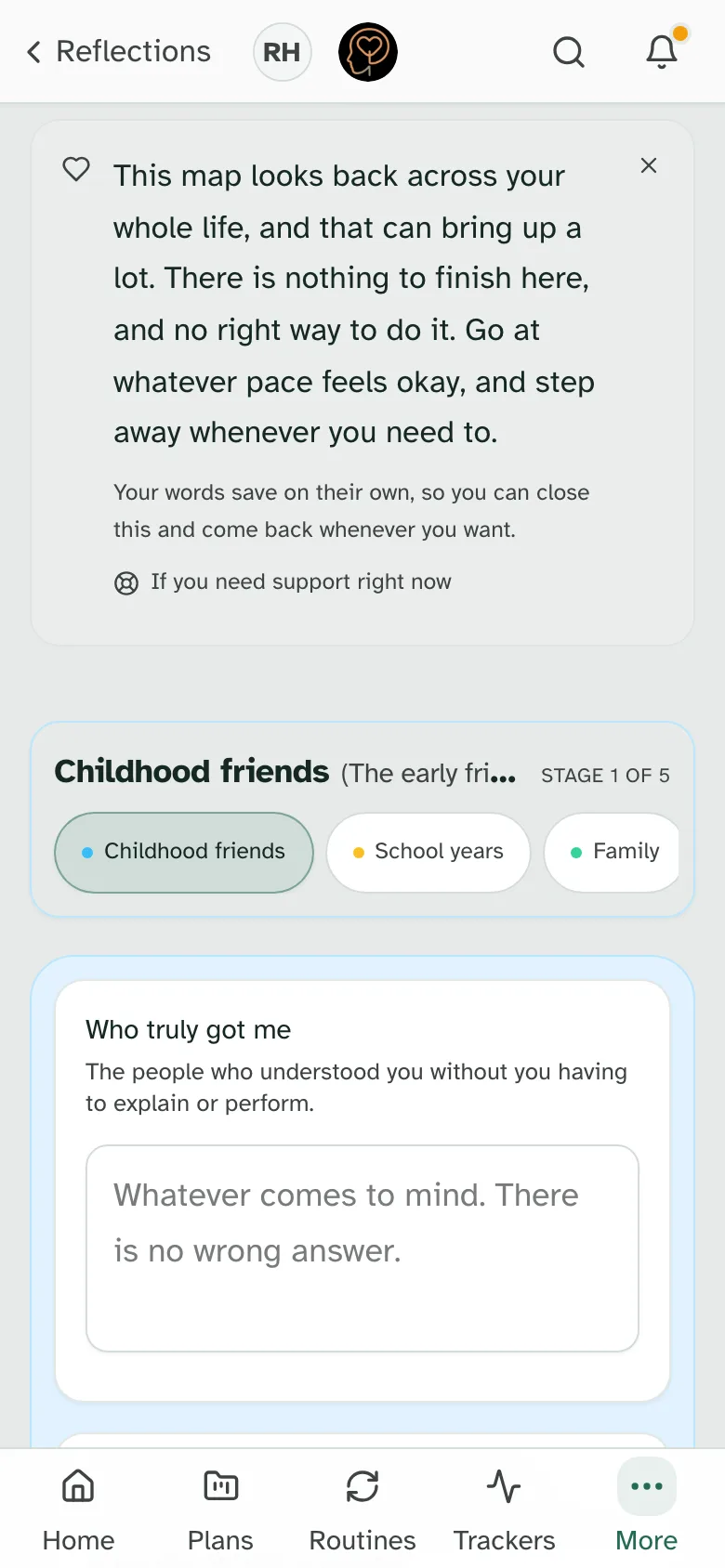
2 · Track and reflectReflection Maps
“There is nothing to finish here, and no right way to do it.”
- TrackersHelp Pick a tracker from the library and log in a few taps. Ask for a gentle reminder if you want one.
- Tracker reportsHelp Pick 7, 14, 30, 60 or 90 days: “Things to notice” once there are five entries, charts of what you log, a PDF, and a chart you can share as a picture.
- Reflection MapsHelp Guided maps that save as you type, with a PDF, and a Story view on the maps that follow a life in order. They're for adults, and some you make with your child.
- Map to planOn some maps, turn what you've written into a draft plan.
- TimelineA profile's milestones and activity in one place.
- RewindYour year in review. Counts, never scores.
3 · Learn
A guide to start from.
Guides come from Specthrive, and from the coach or practice you work with.
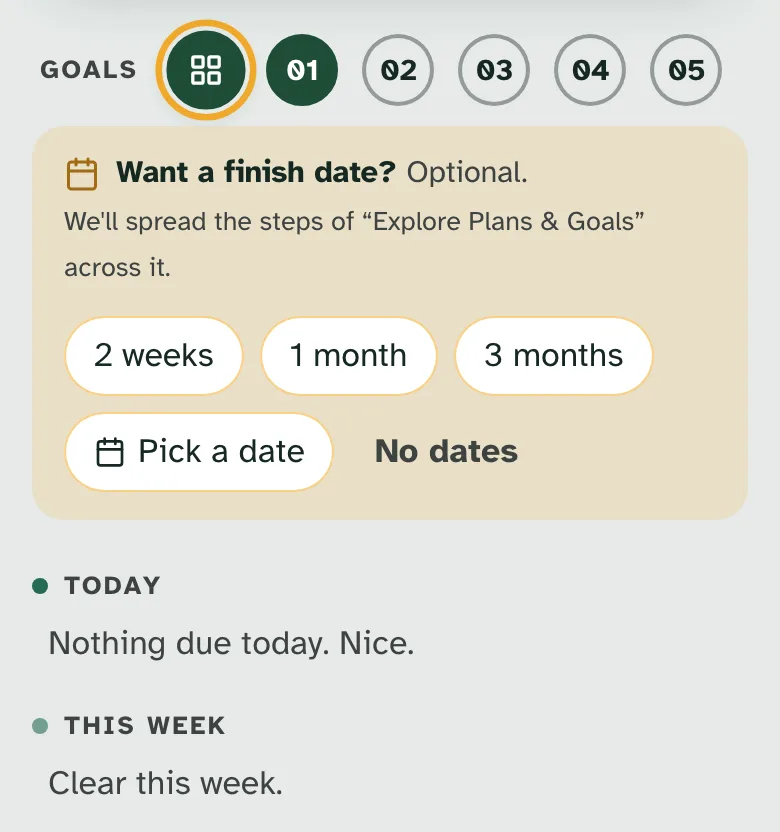
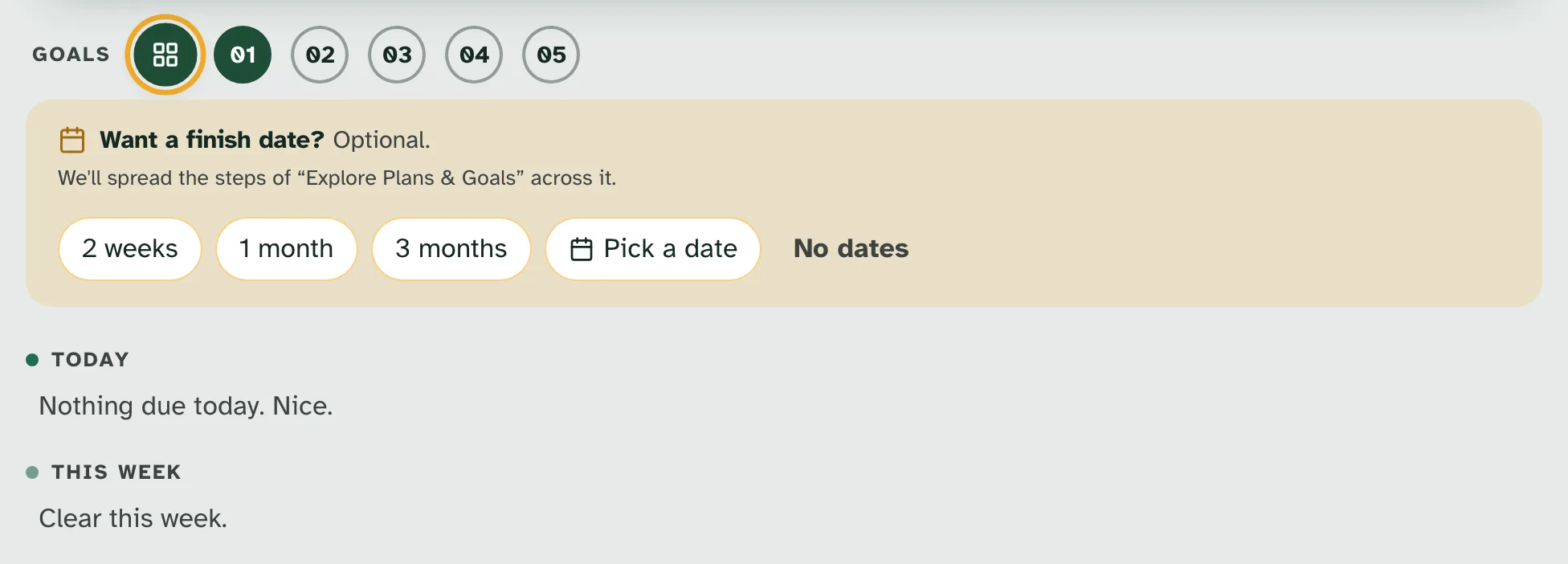
3 · LearnA guide, now your plan
“Want a finish date? Optional.”
4 · People
Everyone you look after, and the people who help.
One account for the people you look after. You choose what each person who helps can see.
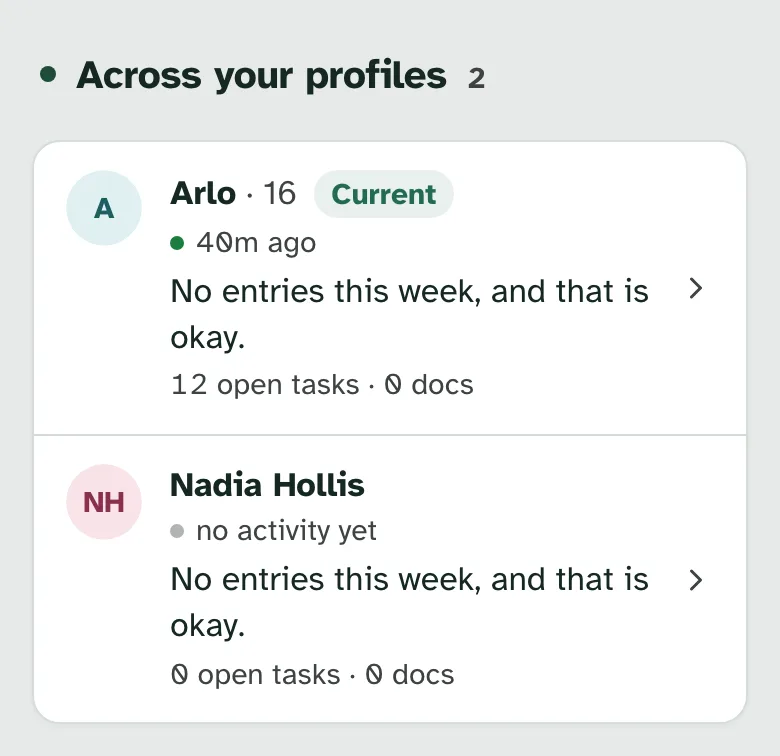
4 · PeopleAcross your profiles
“No entries this week, and that is okay.”
- ProfilesHelp Look after several people from one account, or only yourself.
- Across your profilesOne part of Home shows how everyone is doing.
- Family workspaceHelp Share the work with a partner. Owner, Admin and Member roles, and invite links that work once.
- Sharing by areaHelp Invite someone to one profile and choose what they see: plans, calendar, trackers, documents and the rest.
- Shared with youProfiles other people share with you, and a way to leave one.
- MessagesMessages with the people who help, encrypted when stored, with attachments. If your signal drops while Specthrive is open, a message waits and sends when it's back.
- DocumentsFiles in one place, with tags and notes, linked to the steps they belong to.
- Plan linksA read-only link to one plan.
- Document sharingMedical, school, therapy and legal files are emailed to a named person, who confirms their email first.
5 · Coaching
With a coach, and for coaches.
A coach sends steps and notes. They land on the client's Home, next to their own, and the client chooses what the coach can see.
With a coach
5 · With a coachI did this
“It becomes your own routine. You can end it any time.”
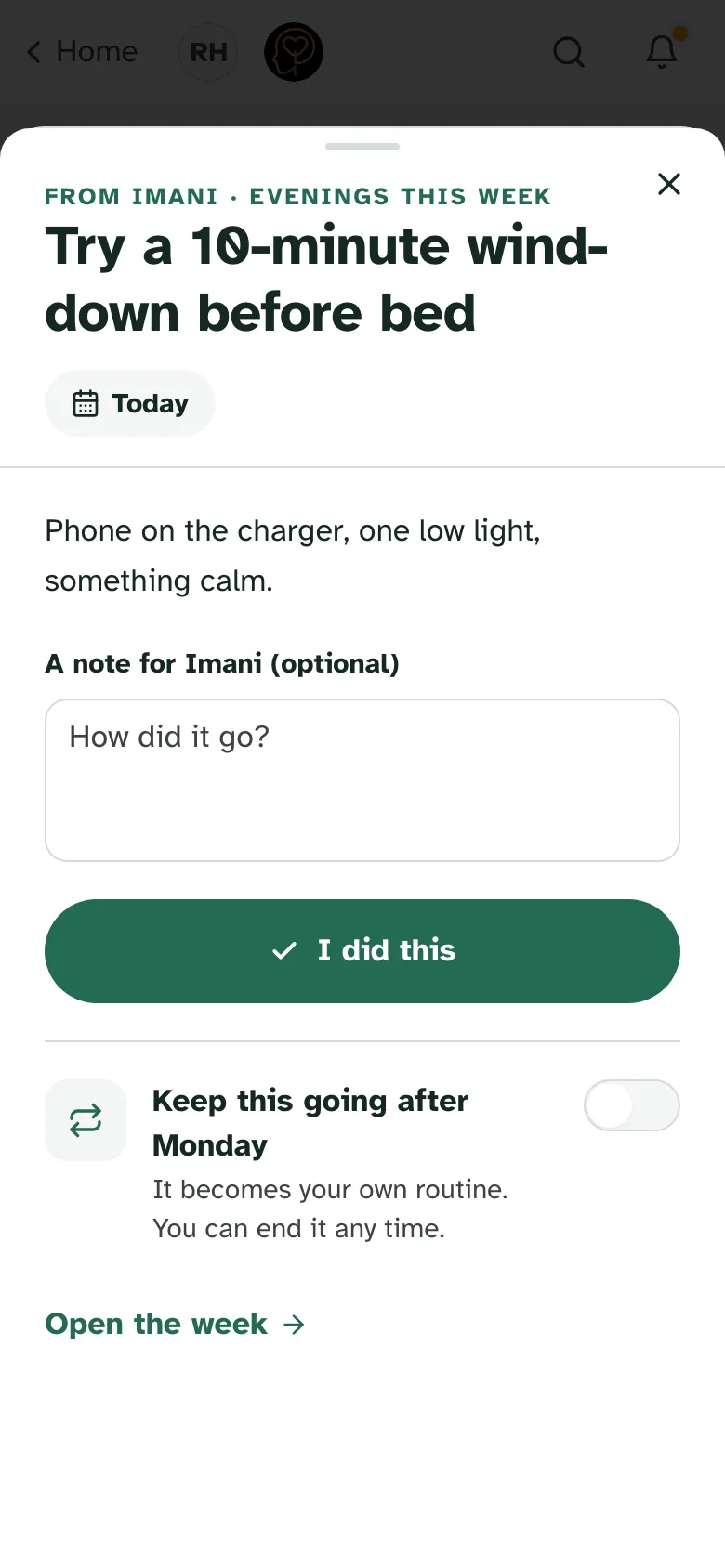
- From your coach, on HomeHelp Steps and notes from your coach land on Home, next to your own.
- Doing the workHelp Mark a step “I did this”, or log the tracker your coach sent.
- You decide what your coach seesHelp Your coach sees only the areas you share.
- QuestionnairesHelp Answer your coach's questions at your own pace, in your own words. Skip anything you like. Nothing gets scored.
- Practice test scoresHelp Log the scores from a practice test you took at home, and see your bests and how far you've come. A coach you share it with sees the same.
- Your coaching summaryWhen coaching closes, your coach can leave you a summary. It stays on your Home for 60 days, with a PDF, and only you and your coach can read it.
Ages 13 to 17 join only through a coach's invite, with a guardian's consent.
For coaches
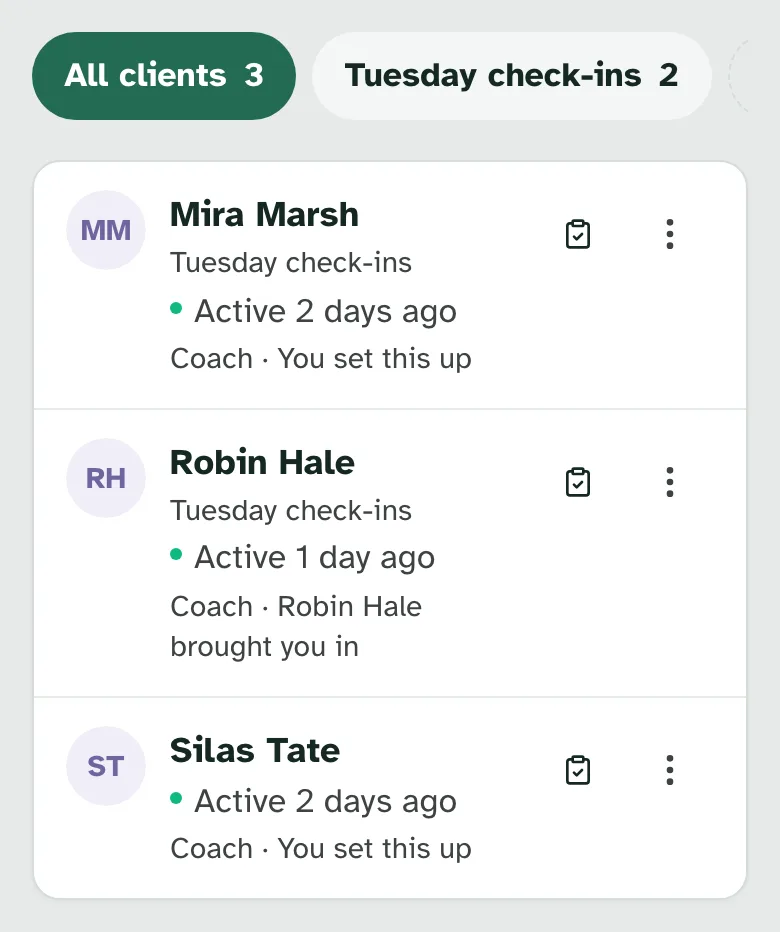
5 · For coachesClients
“Groups are your own lists. Your clients never see them.”
- Professional accountHelp Choose “I work with families” when you sign up. Specthrive checks each account by hand.
- ClientsHelp Everyone you work with, with a line on where each one stands, filters and groups.
- Invite a clientHelp Invite a client or a guardian.
- Send stepsHelp Send something to do, something to read, a routine or a tracker to log. Start from your own guide's steps and attach a file if it helps. Change a step or take it back.
- NotesHelp Leave a note that shows on your client's Home.
- How it's goingHelp See what's done and what's waiting, day by day, for each thing you sent.
- Coaching briefHelp One page before you meet: what they're working on, next actions, and what changed since you last met.
- Write a guideHelp A guide that saves as you go, keeps its versions, and stays private until you share it.
- Share guides with colleaguesHelp Share a guide with a colleague, stop sharing whenever you like, or adapt a copy that keeps its author's name.
- PracticesHelp Work inside a practice, with its members and invitations. Specthrive sets each practice up.
- Questionnaires and reviewsHelp Ask a client for a questionnaire, read their strengths first, then their answers, and agree a next action. Close with a summary they keep.
- Practice tests for a groupHelp Assign the next practice test and see scores across your group.
Watch
Short films, on sample data.
Nothing in them is a real person's data.
Start with one thing.
No credit card required.