Find a guide and make it yours
Browse guides developed with clinicians, then add one to your plans as a private copy you can change however you like.
A guide is a plan someone has already thought through for you: a set of goals, broken into small steps, for a situation lots of families go through. That might be a new diagnosis, getting ready for an IEP meeting, or building everyday independence. Adding a guide gives you your own copy of it, so you start with a path instead of a blank page.
Adding a guide is free, and the copy is private to you. Changing it never changes the original, and nobody else sees your edits.
1. Browse the guides
Open Guides from the sidebar, or choose Follow a Guide on your dashboard. The page opens with Start with a proven path.
Search or browse, whichever is easier today. Type in Search guides..., or tap one of the Popular topics under the search box. The row of pills filters by area: Life Transitions, Neurodivergent Support, Education, Career, Independent Living, and more. Featured Paths are a good place to start if you are not sure.
Saved keeps any guide you bookmark, so you can come back to it without searching again.
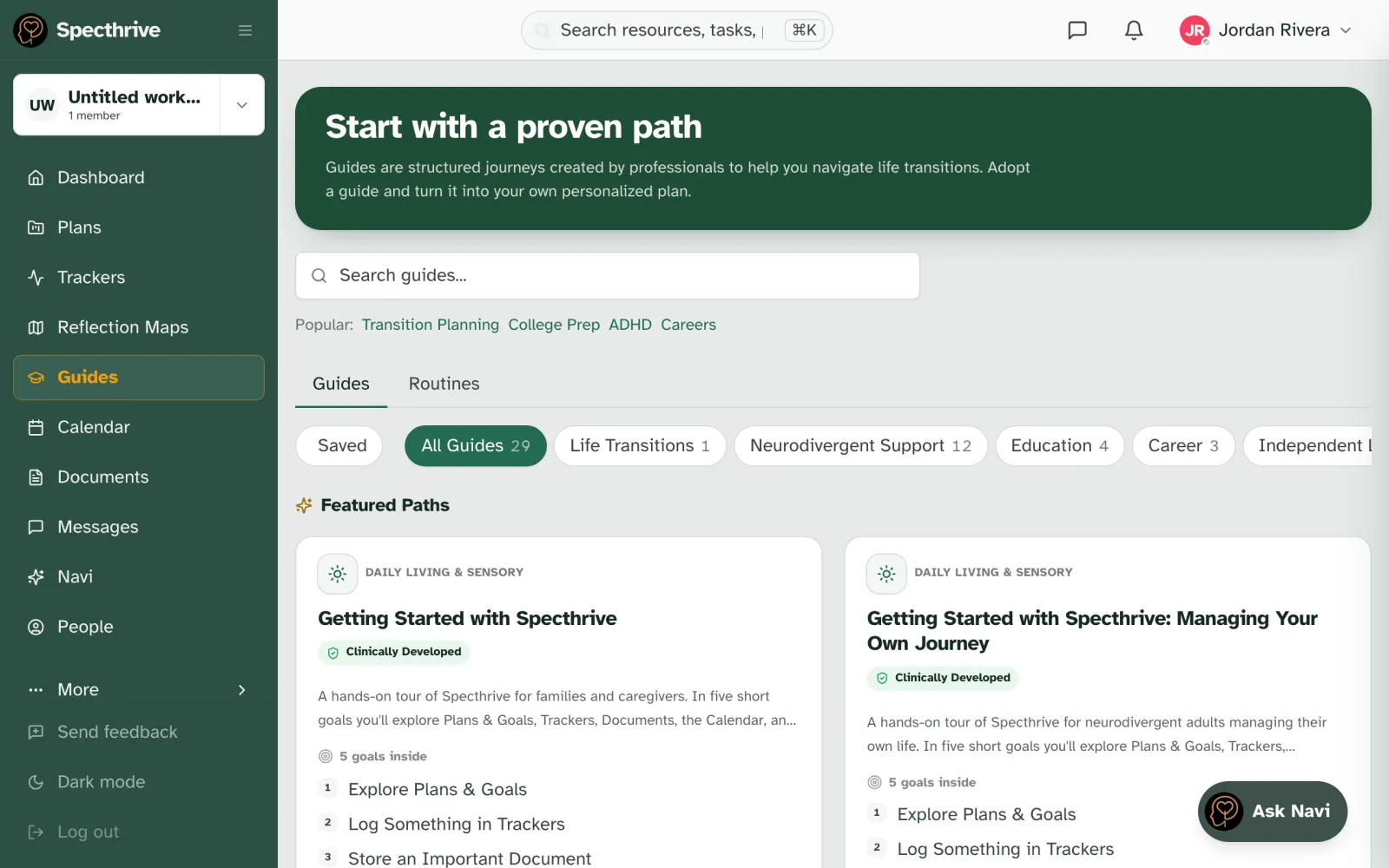
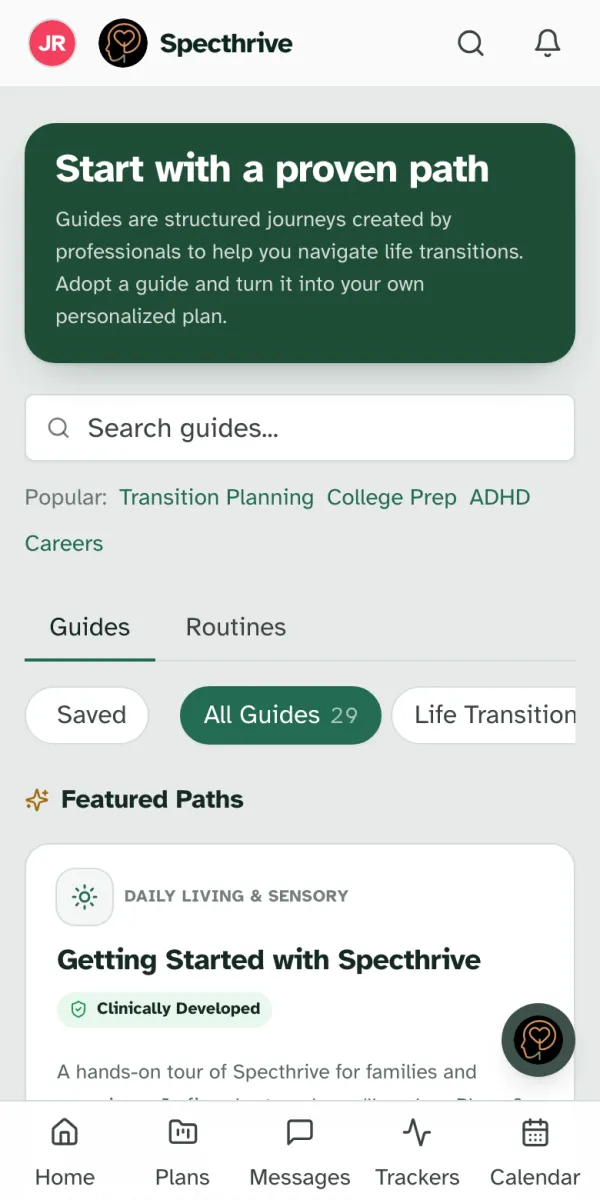
Guides and Routines are different tabs. A guide is a plan with a beginning and an end. A routine repeats, such as a daily homework session. This guide covers plans; a routine is added the same way, from the Routines tab.
2. Read the guide first
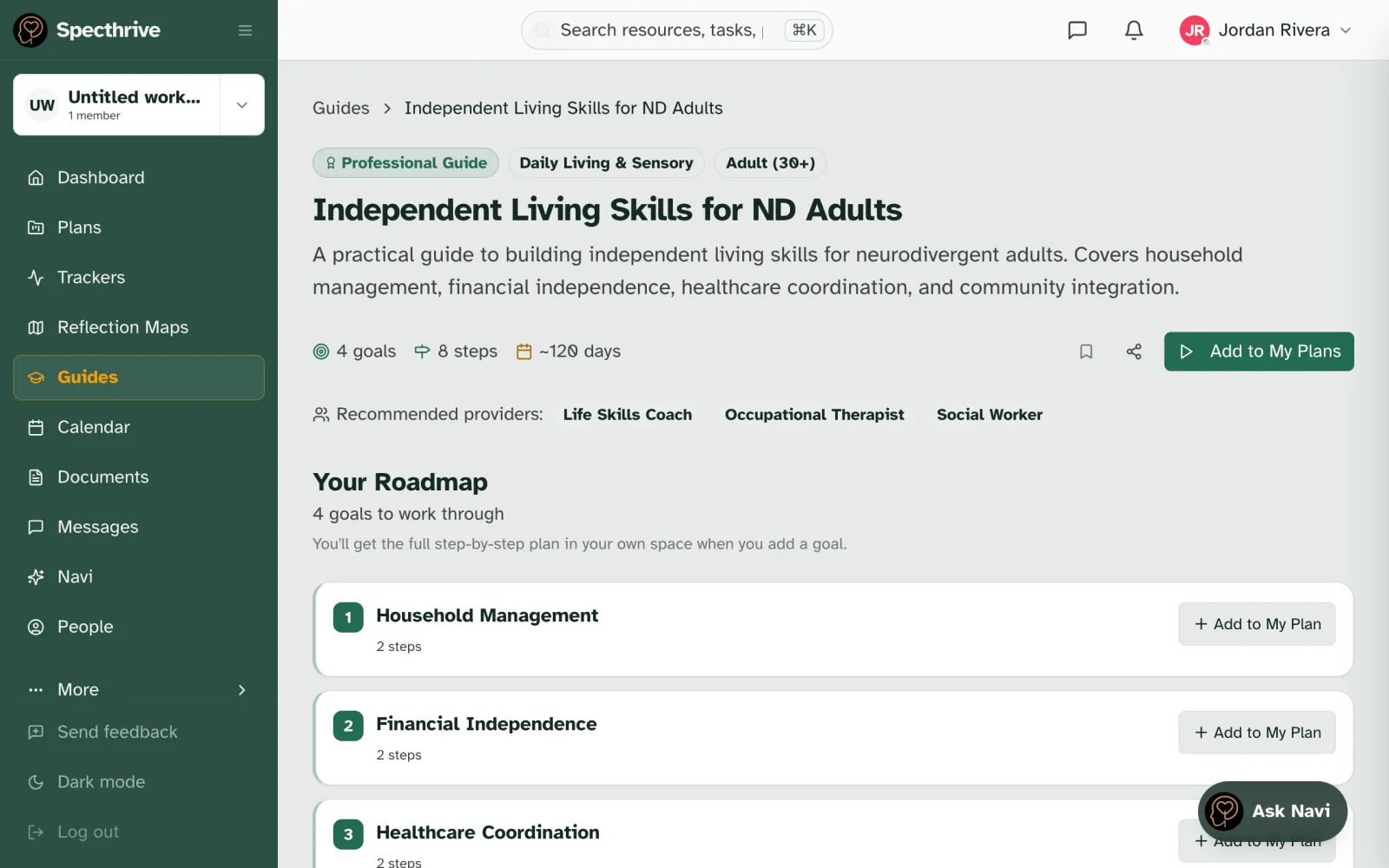
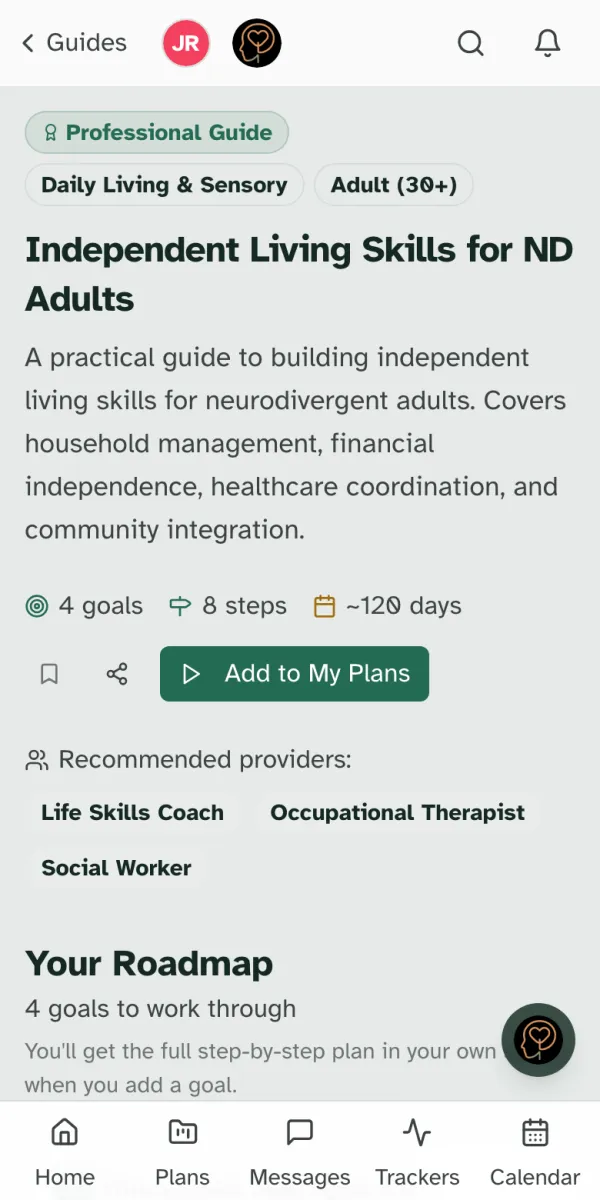
Open any guide to see the whole thing before you commit to anything. The top shows who it is for, a short description, and its size, for example 4 goals · 8 steps · ~120 days. Under Your Roadmap are the goals in the order the guide suggests.
The roadmap is a preview. The full step-by-step detail appears in your own copy once you add it.
3. Add it to your plans
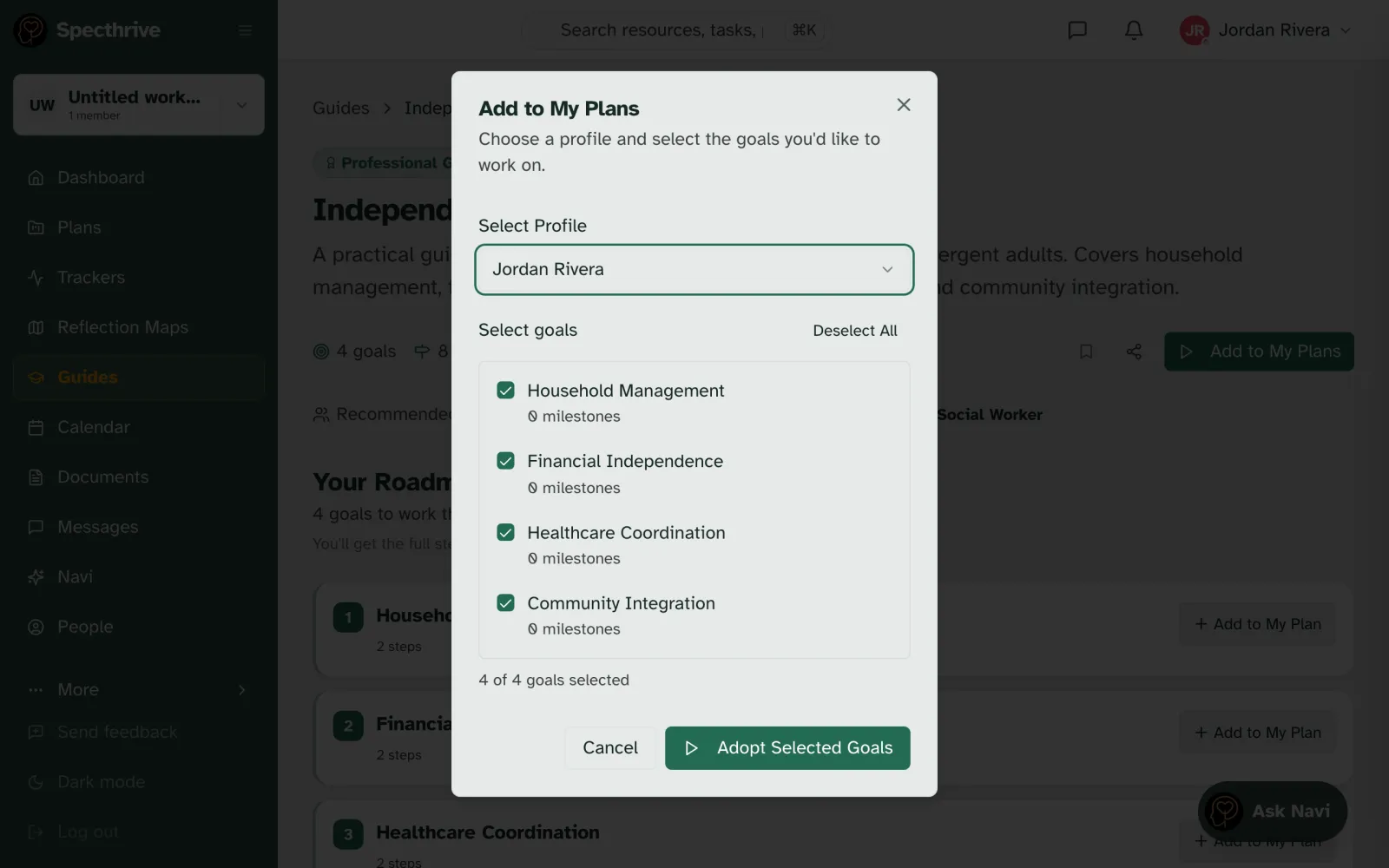
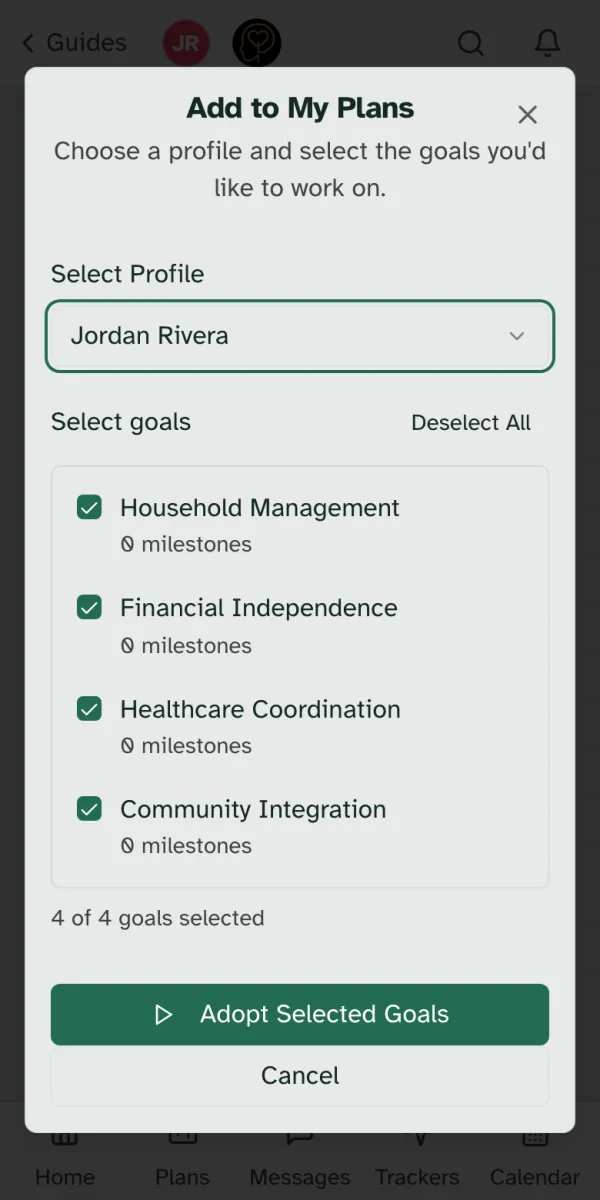
Choose Add to My Plans. A short window opens:
- Select Profile: choose who the plan is for. That is you, or someone you care for if you manage their profile.
- Select goals: every goal is ticked to start with. Untick any you do not need right now. You can add them later.
- Choose Adopt Selected Goals.
Only want one goal? Each goal on the roadmap has its own Add to My Plan button, so you can take just the piece that fits.
A few guides are part of a paid plan. If you open one of those, Specthrive tells you before anything is added.
4. Your new plan is waiting quietly
Specthrive takes you straight to your copy of the plan. It starts out Paused:
4 goals waiting quietly — they'll be here when you're ready.
That is on purpose. Adding a guide should not hand you a pile of due dates. Nothing is late and nothing is waiting on you until you choose to begin, and when you do, you begin with one goal, not all of them.
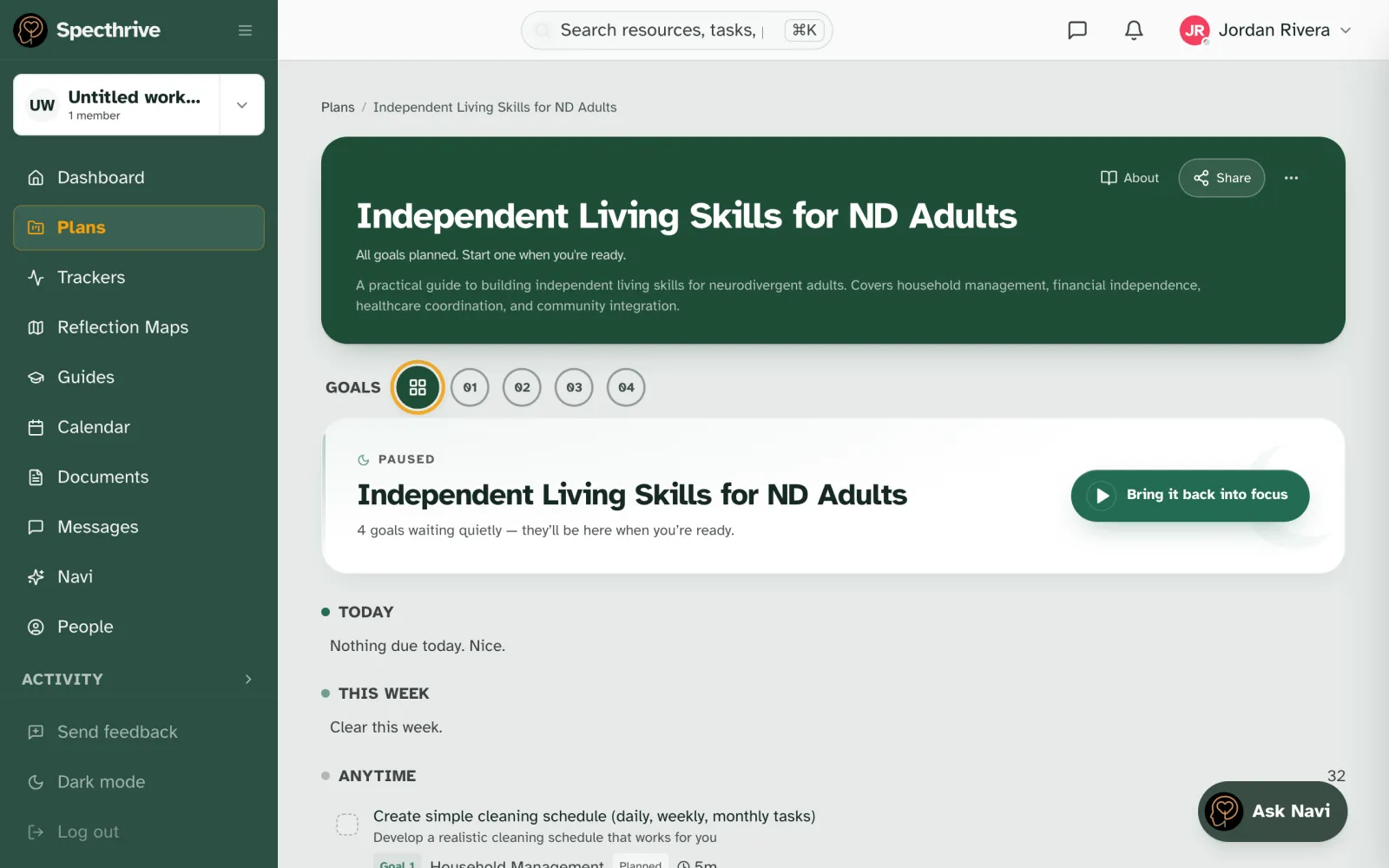
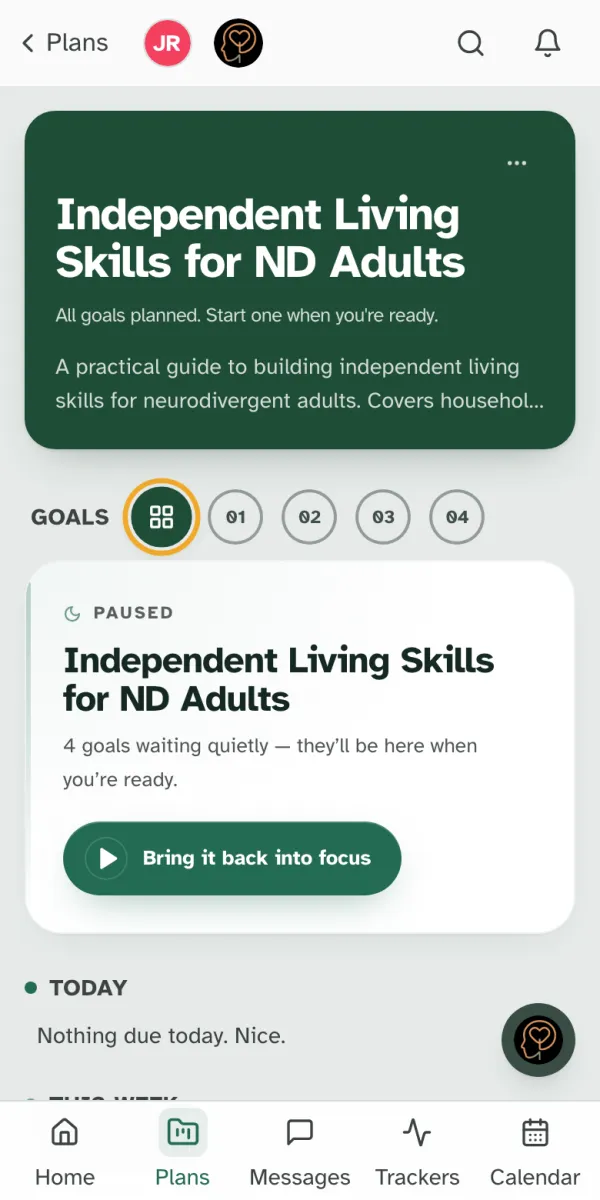
It is yours now. Rename goals, delete steps that do not fit, and add your own. The guide itself stays unchanged, and if you open it again its button reads Go to Plan.
Still have a question?
If this guide did not cover your situation, reach out. We read every message.