Notice patterns with trackers
Add a tracker from the library, log an entry in under a minute, and see the patterns in a report you can share.
A tracker is a short, repeatable check-in about one thing: sleep, mood, meltdowns, meals, focus, medication. One entry on its own says little. A week of them starts to show a pattern, and a pattern is something you can act on, or bring to the next appointment instead of trying to remember.
Start with one tracker. You can add more later, and remove any that stop being useful.
1. Pick one from the library
Open Trackers from the sidebar (on a phone, it is in the bar along the bottom), or choose Track something on your dashboard. Before you have any trackers, the page says Start with one tracker. Choose Browse tracker library.
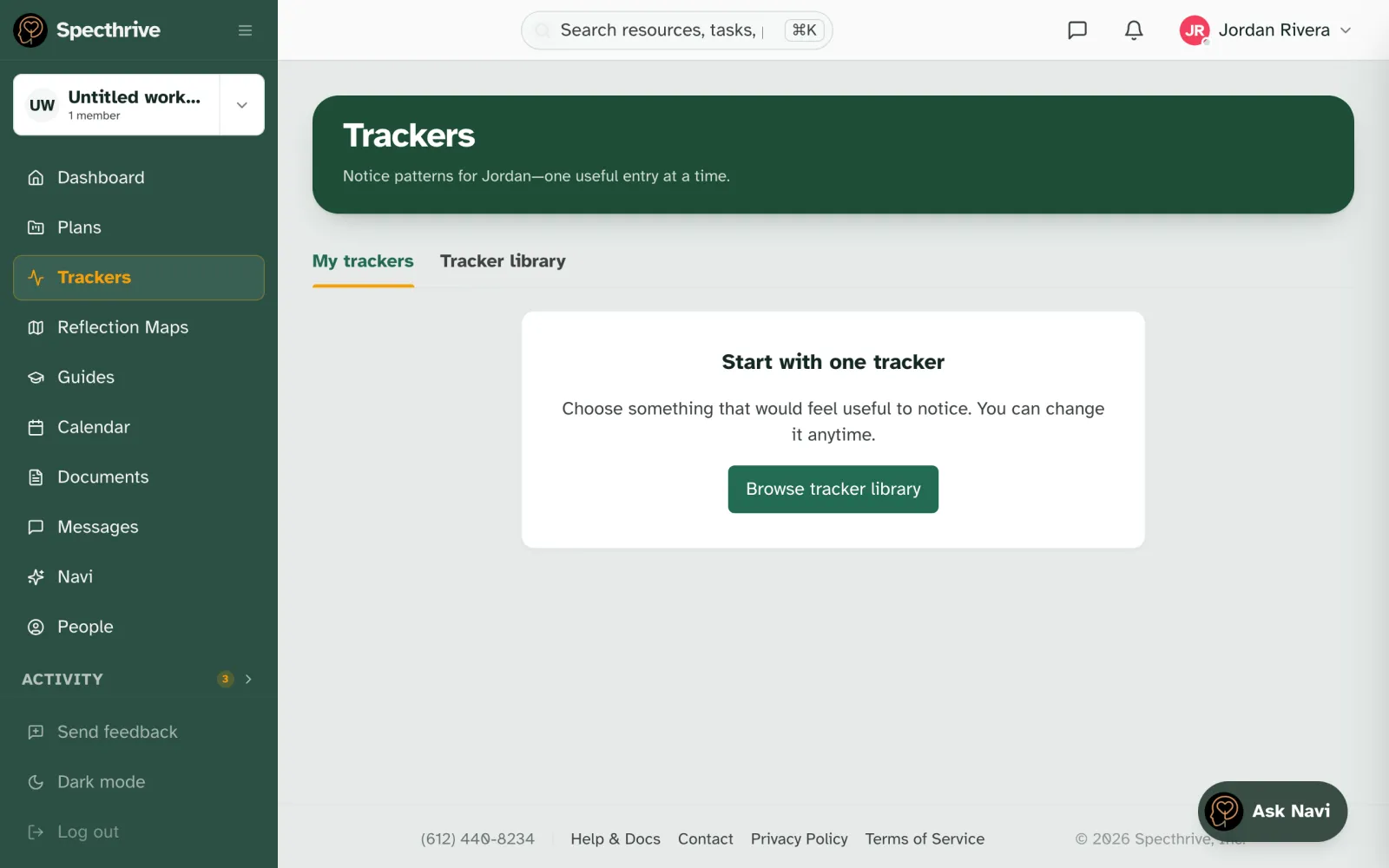
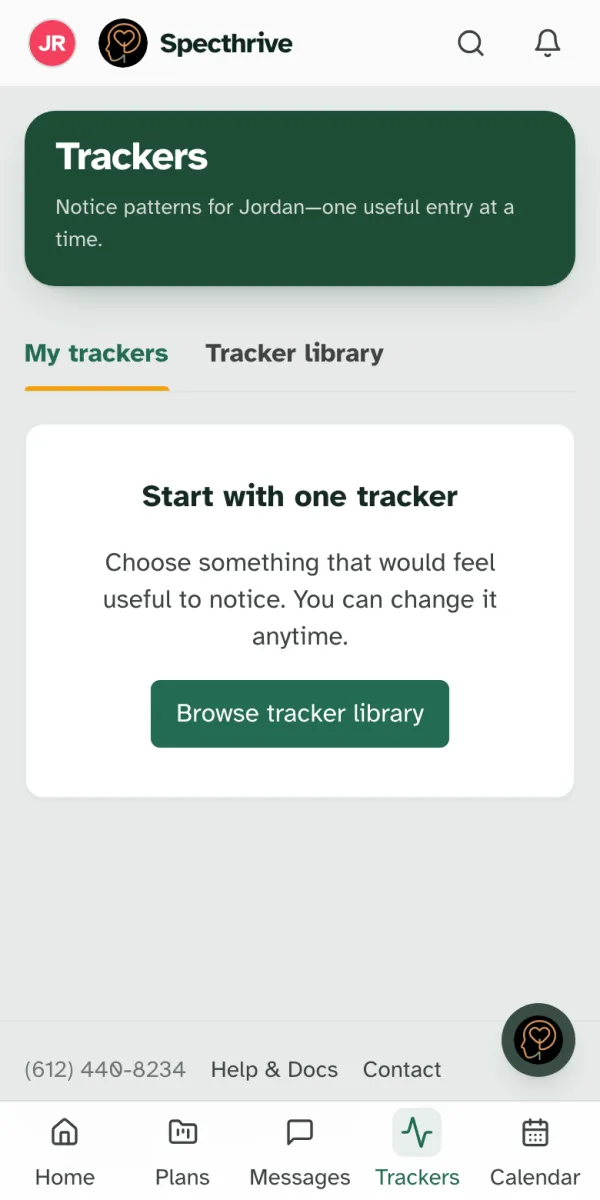
The Tracker library groups trackers by what they help you notice: behavior, sleep, mood, sensory, meltdowns, feeding, communication, medication, health and more. Search with What would you like to understand? if you already know what you are after.
2. Preview it, then add it
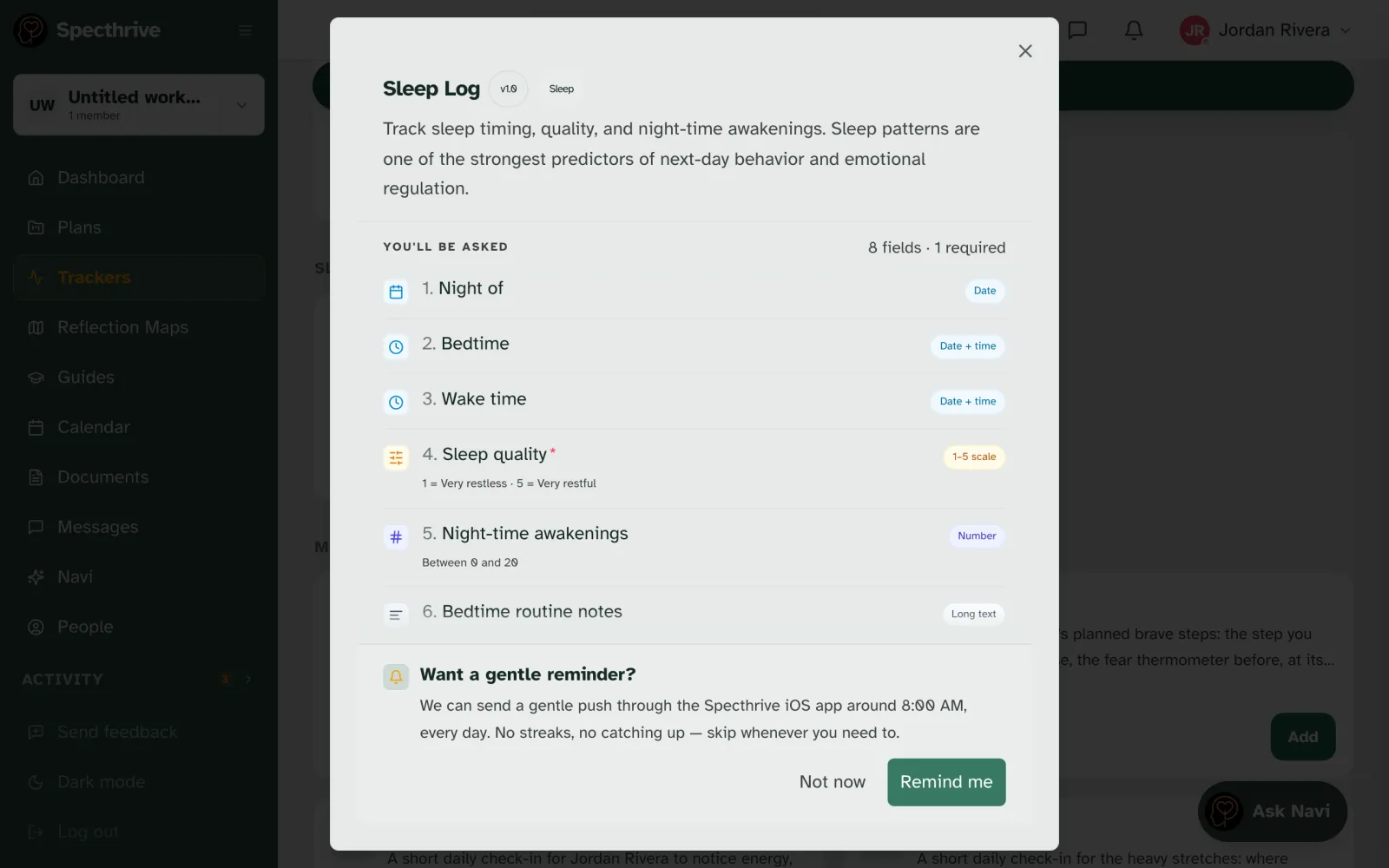
Choose Preview on any tracker to see exactly what it will ask before you commit. Under You'll be asked is every question, and how many are required. Usually only one or two are; the rest are there when you have more to say.
When it looks right, choose Add this tracker.
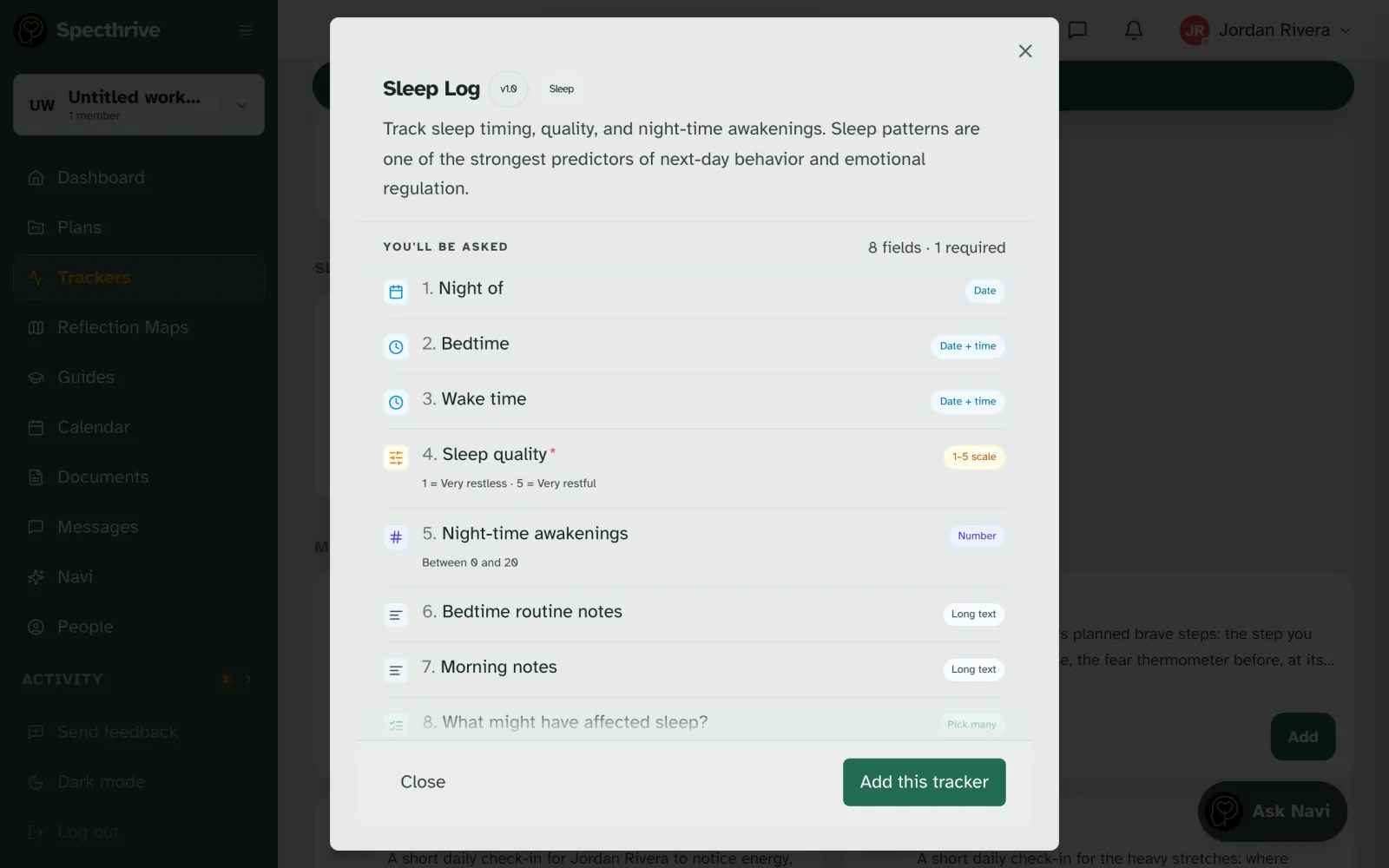
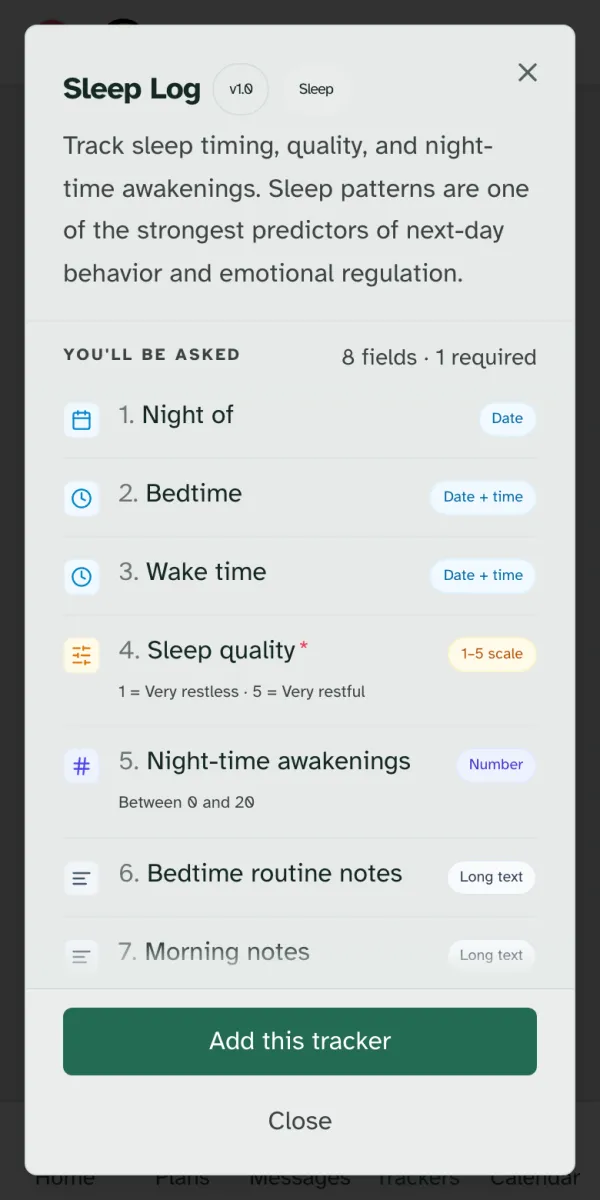
Reminders are your call. Next, Specthrive asks Want a gentle reminder? Choose Remind me to set one up, or Not now. Adding a tracker never creates a reminder by itself.
3. Log an entry
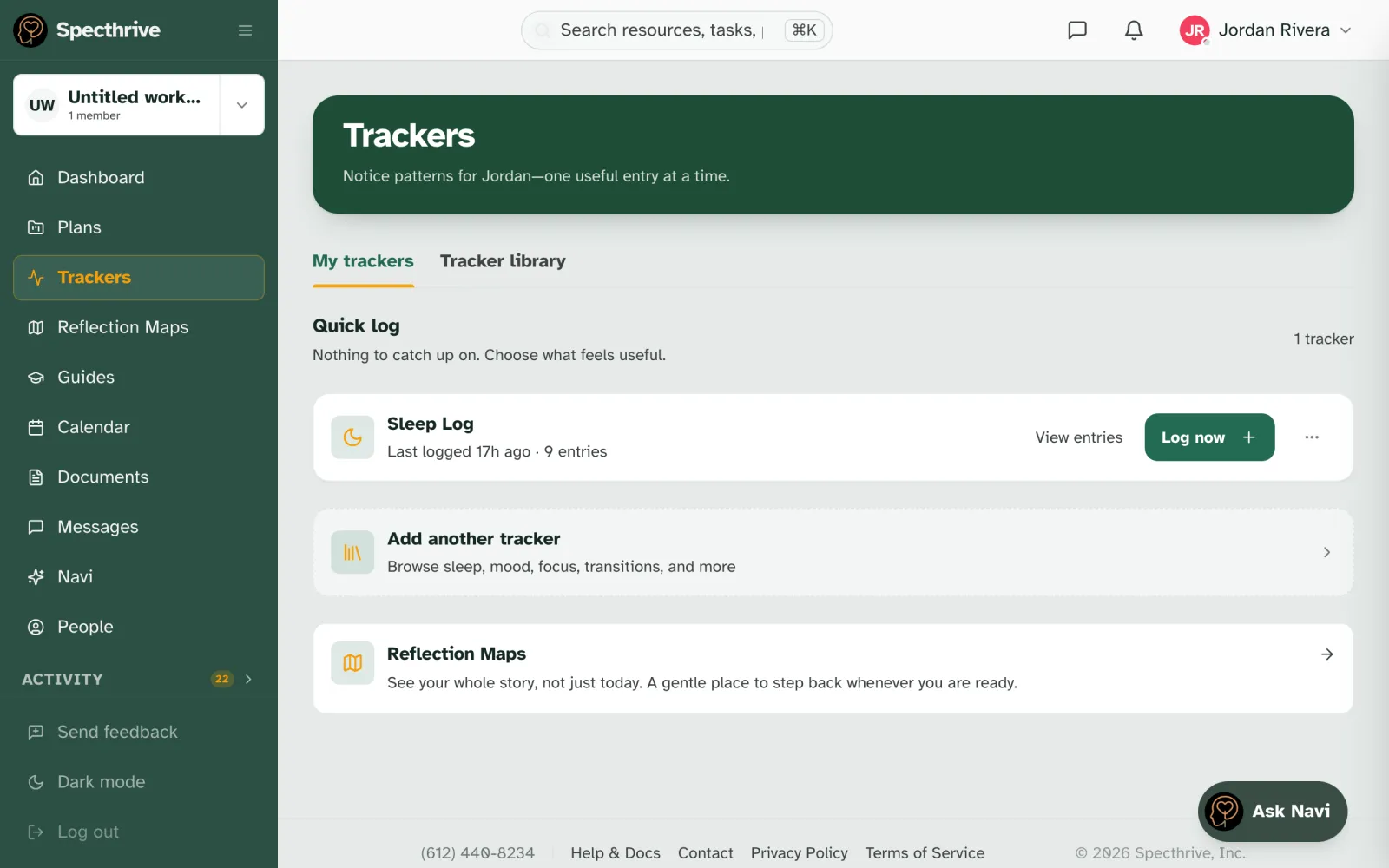
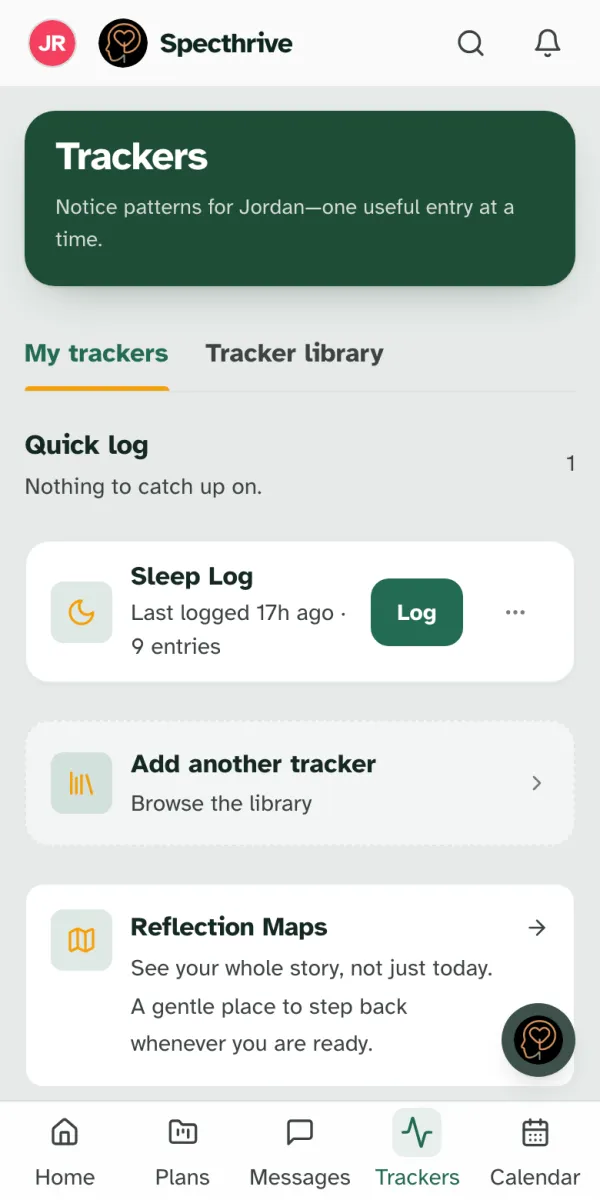
Your tracker now appears under My trackers. Choose Log now (on a phone, Log) to add an entry. View entries shows what you have logged so far.
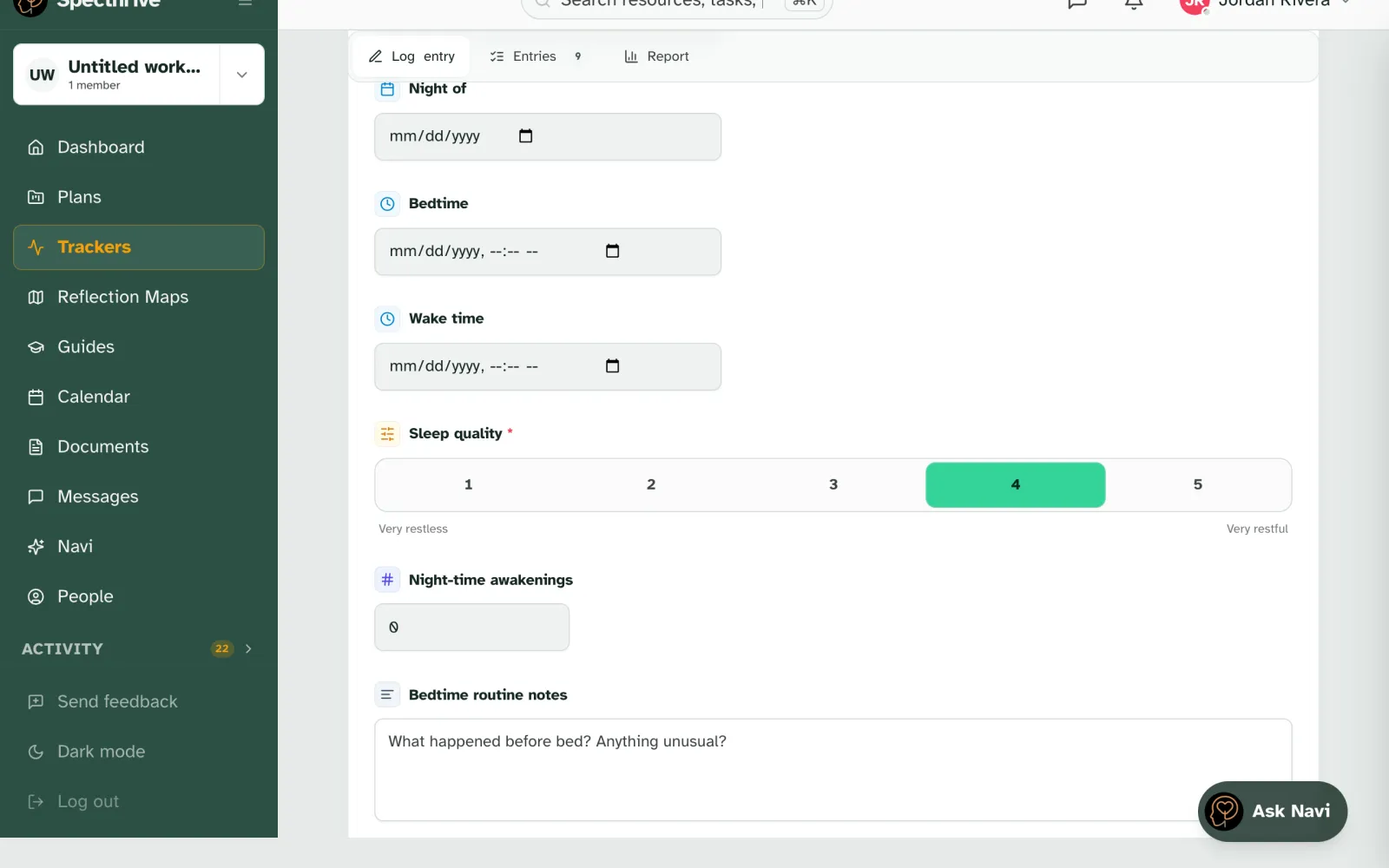
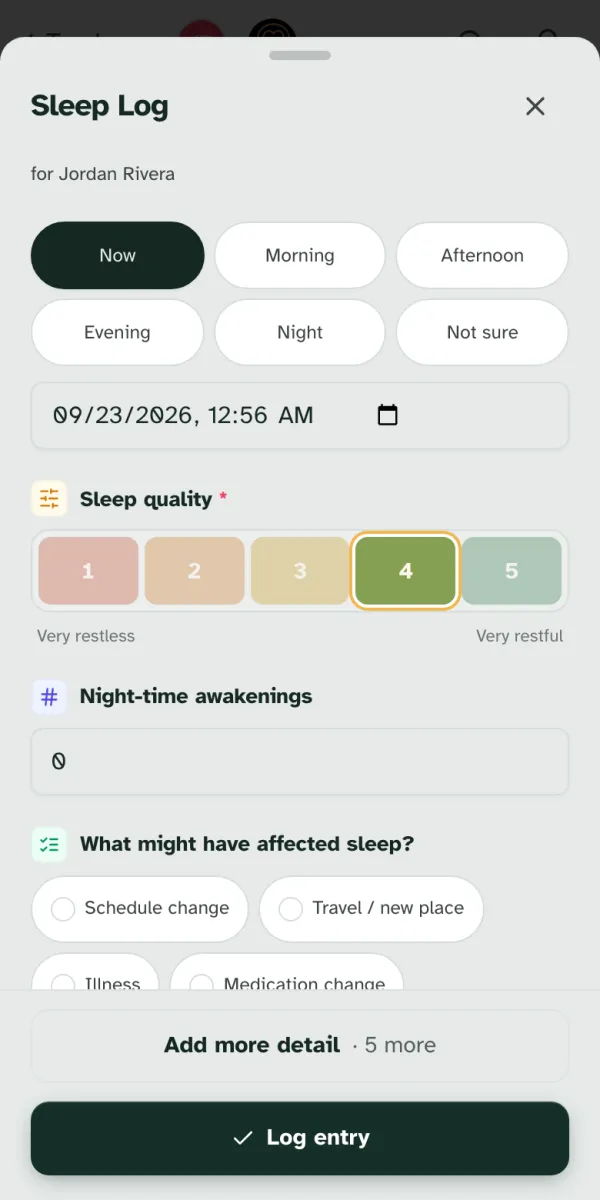
First, when did it happen? Now is already chosen. Pick Morning, Afternoon, Evening or Night if it was earlier, or set an exact time. Not sure is a real answer too.
Then answer what you can. Required questions are marked. Everything else is optional, and on a phone the extra questions sit behind Add more detail so the form stays short. Choose Log entry and you're done.
Missed a few days? That is fine. Log what you remember, when you remember it. The report works from whatever is there, and gaps are not held against you.
4. Read the report
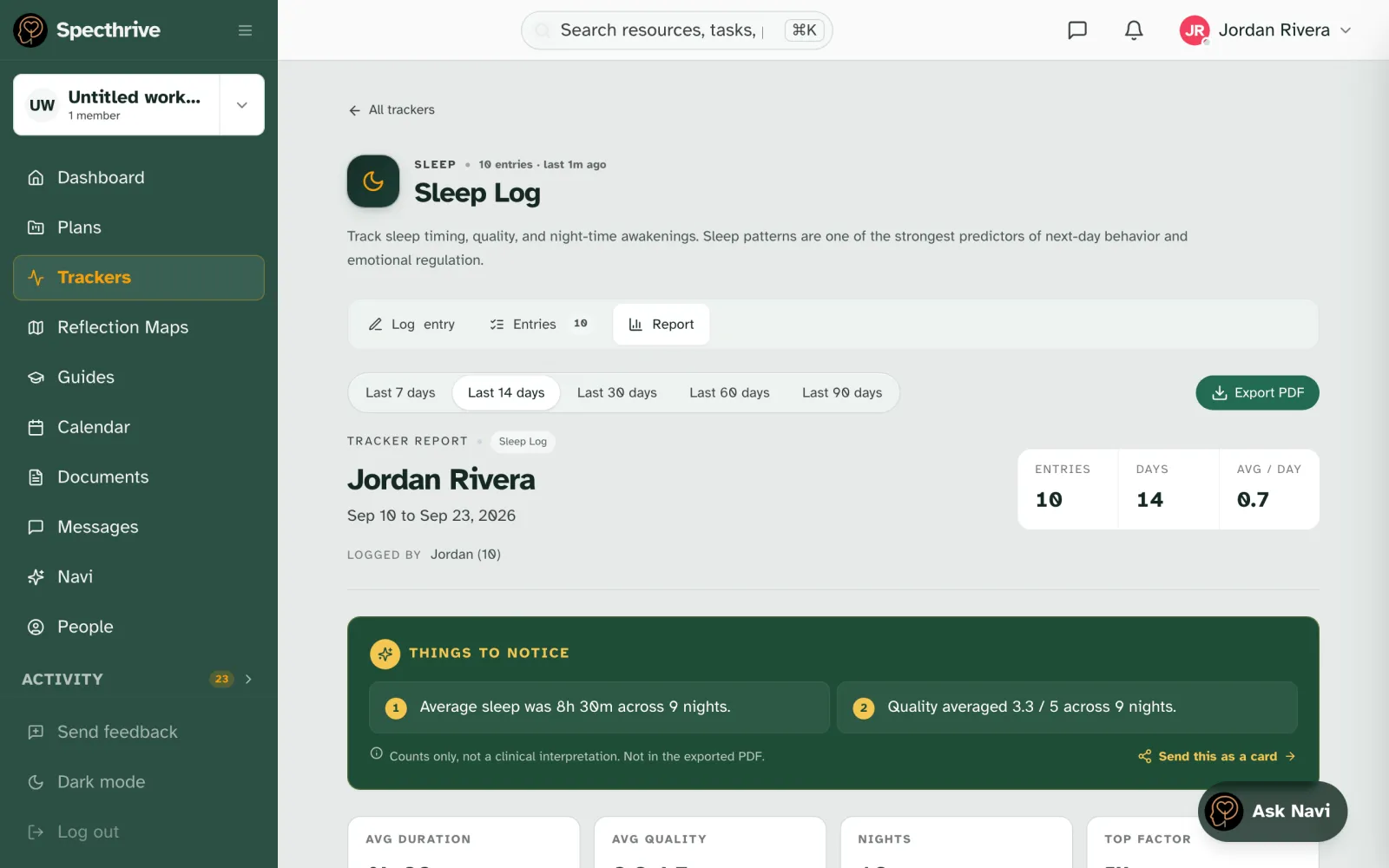
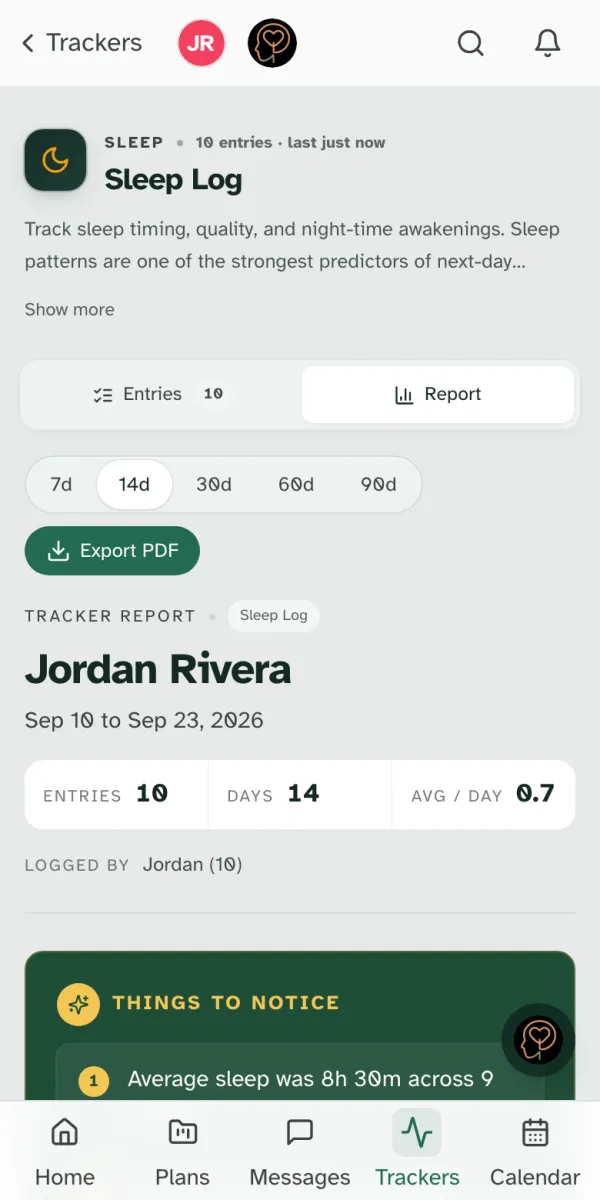
Open the tracker and choose Report. Pick a range from Last 7 days to Last 90 days.
Things to notice pulls out a few plain counts, such as "Average sleep was 8h 30m across 9 nights". They are counts only, never a clinical interpretation. Below them are the charts for each question.
Taking it to an appointment? Export PDF makes a clean copy to print or send. The "Things to notice" summary stays in the app and is left out of the PDF.
Who sees your trackers
Trackers belong to the profile you log them on. People in your family workspace see them. A coach or therapist sees them only if trackers is one of the areas shared with them; see Working with a coach or therapist.
Still have a question?
If this guide did not cover your situation, reach out. We read every message.