
Keep a record you can hand to anyone
For families and adults managing their own profile. What the record holds, how it fills in from what you already do, adding or fixing a fact by hand, and who can see each part.
The record is one place for the things people keep asking you: the diagnosis and when it was made, the medicines, what helps, the supports at school, the dates that matter. Most of it fills in by itself from what you already do in Specthrive. You can add the rest whenever it suits you.
Open the record
On a computer, choose Record in the sidebar, under Your week, just after Calendar. On a phone, it's in the bar along the bottom: Home, Plans, Routines, Record and More. Trackers moved into More, at the top of the sheet.
The record follows the profile you have open. Switch profiles from the menu at the top and the record switches with it. Your own record is called My record; anyone else's is called by their name, such as Jordan's record.
The first time you open it
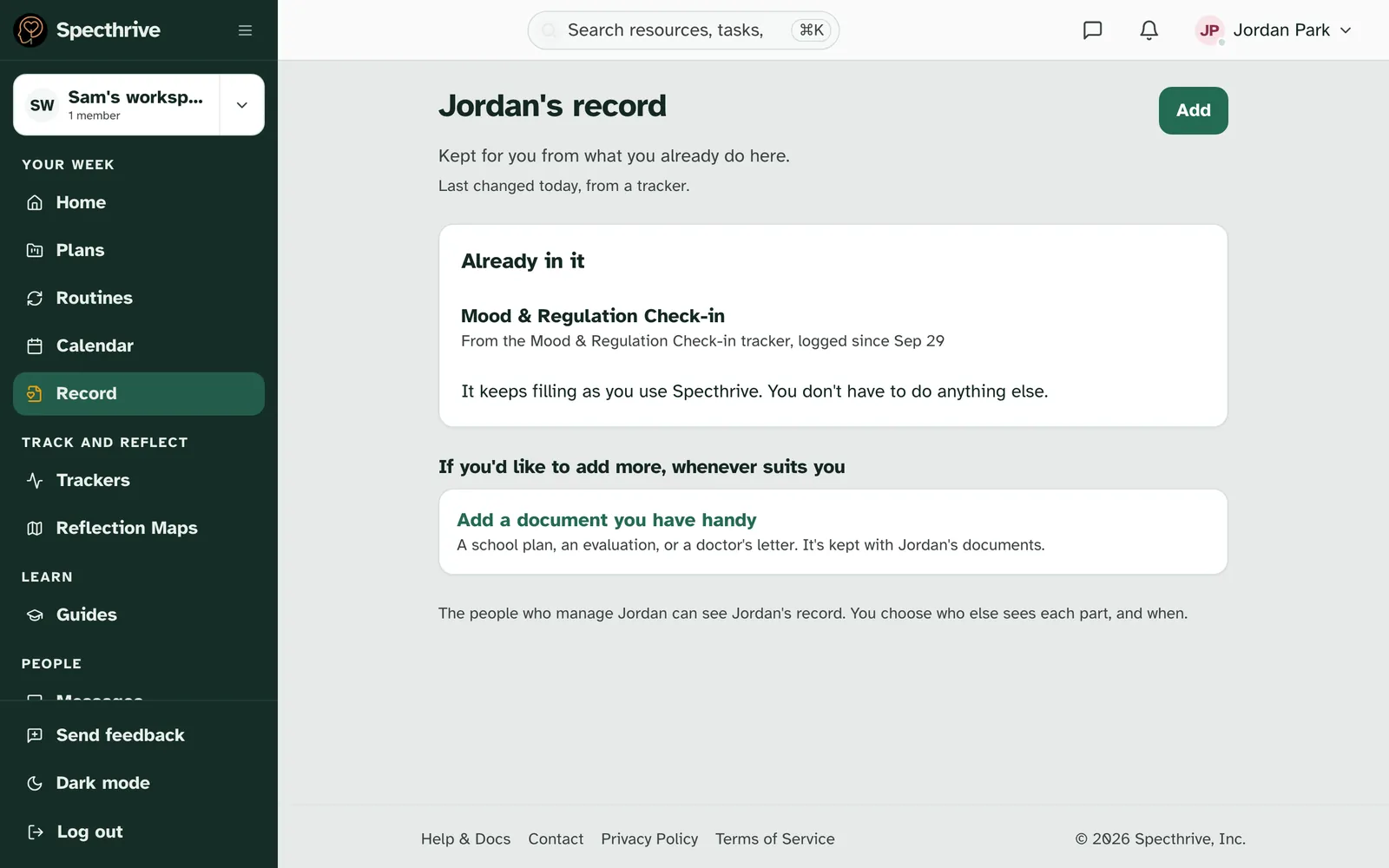
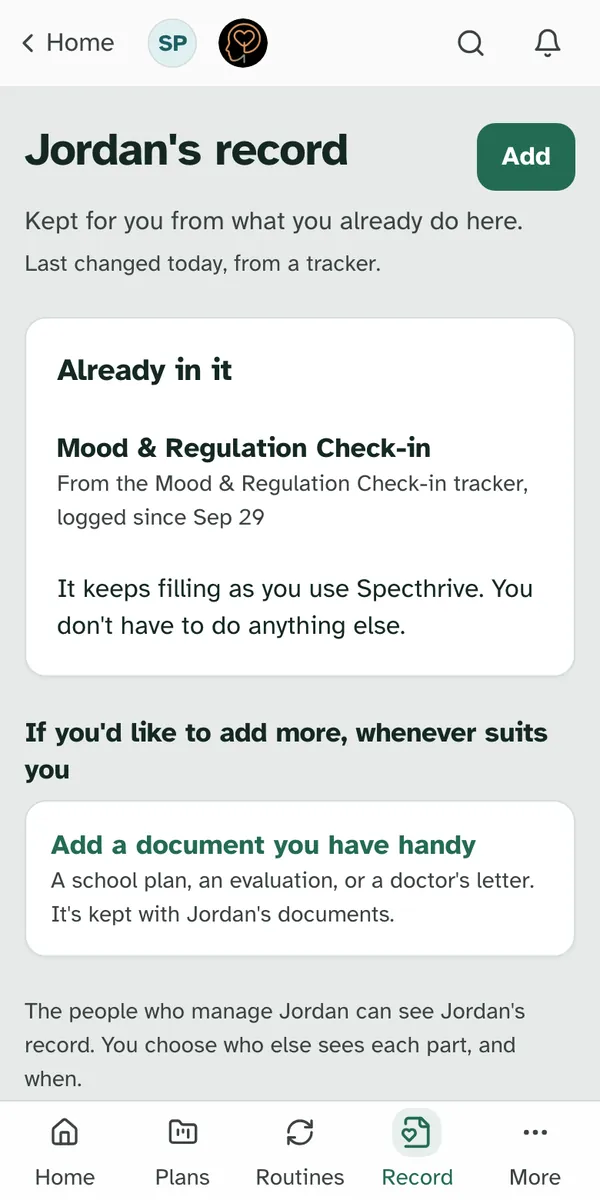
It starts with what is already there. The card Already in it lists what the record picked up on its own, such as "From the Mood & Regulation Check-in tracker, logged since Sep 29". Underneath it says: "It keeps filling as you use Specthrive. You don't have to do anything else." If nothing is in yet, it says the story starts to fill in as you use Specthrive.
Adding more is optional. Under If you'd like to add more, whenever suits you, choose Add a document you have handy for a school plan, an evaluation or a doctor's letter. It's kept with the profile's documents.
The page keeps this welcome until someone adds a fact by hand. Then it opens straight onto the sections below.
What the record holds
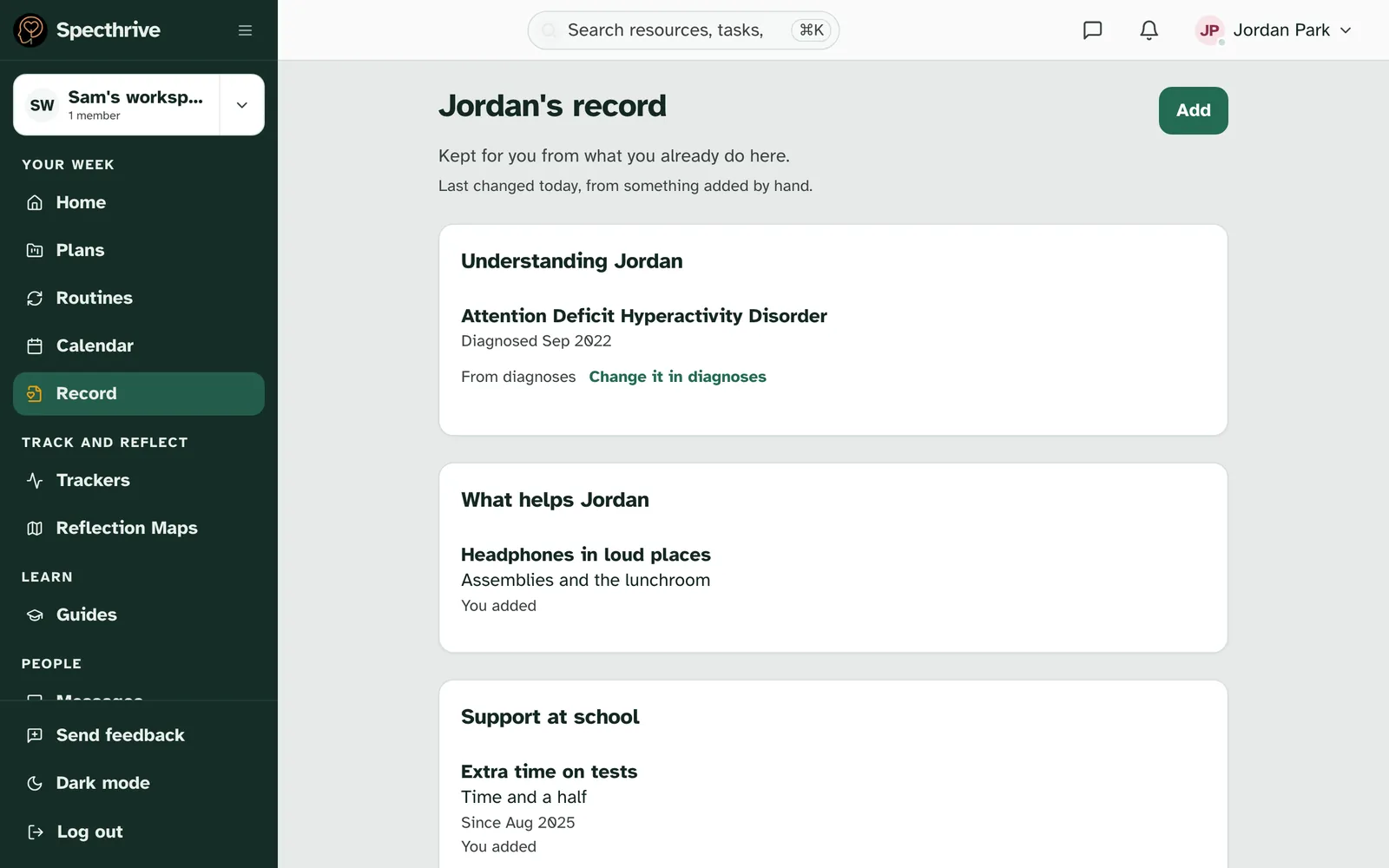
Each part of the story has its own section, in this order:
| Section | What goes in it |
|---|---|
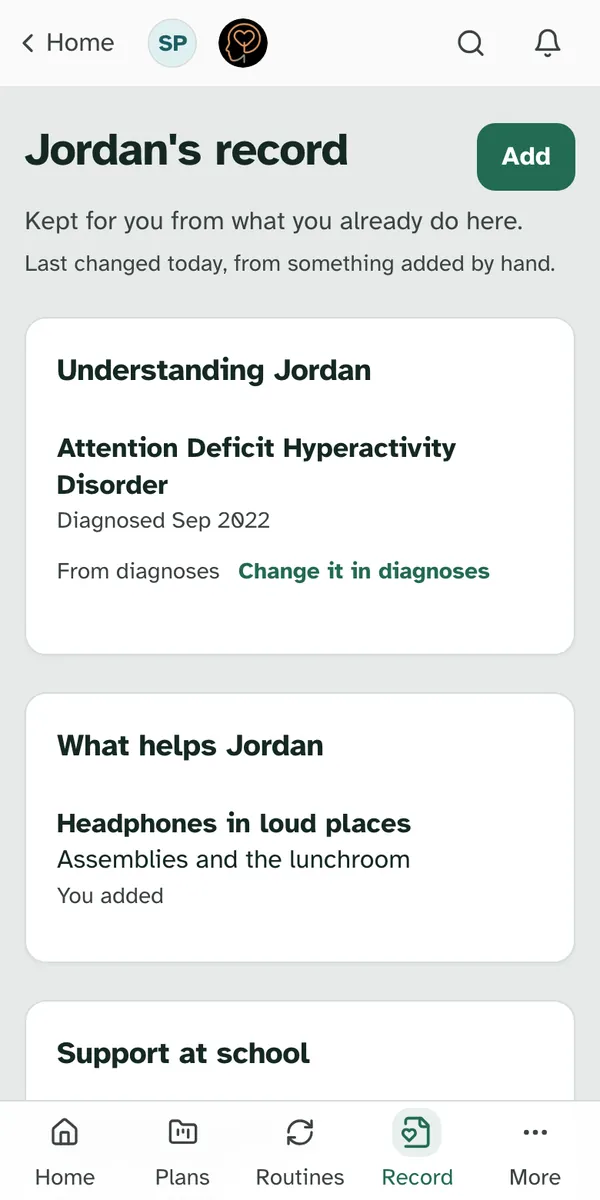
| Understanding Jordan | Diagnoses, with when each was made |
| What helps Jordan | The things that make a day go better, and when they help |
| Support at school | School supports, such as extra time on tests, and services such as speech therapy |
| Key dates | Reviews, meetings and other dates worth keeping |
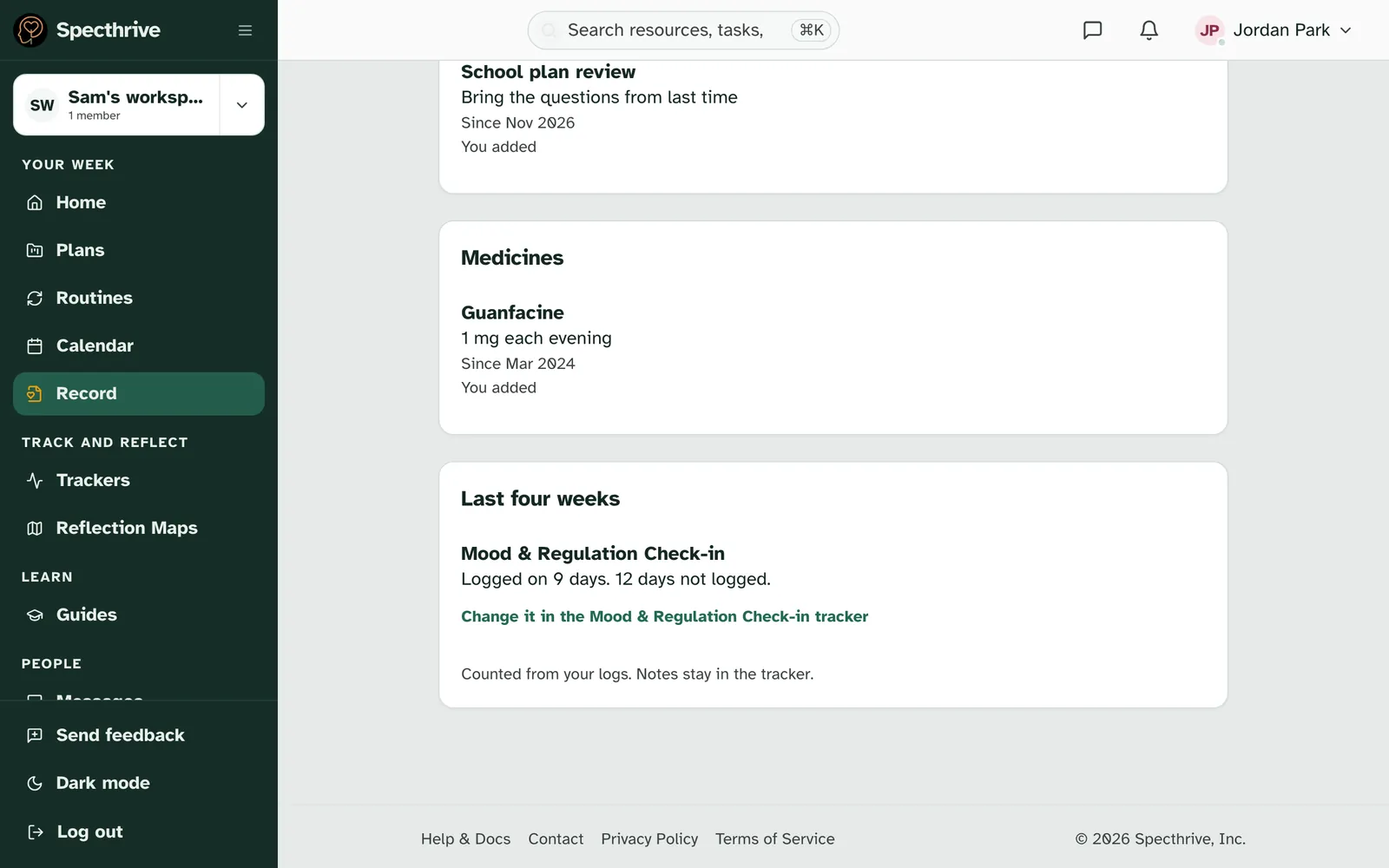
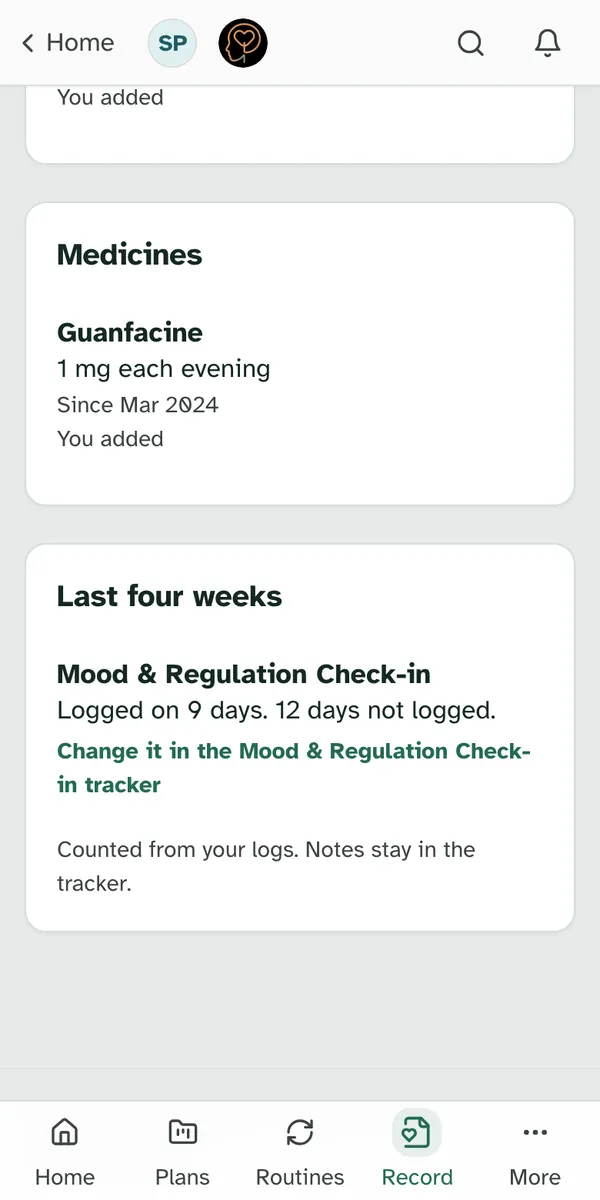
| Medicines | Each medicine, its dose and when it's taken |
| Last four weeks | How often each tracker was logged |
A section with nothing in it says Nothing here yet. If you can add to that part, a link next to it adds something. Nothing is missing; it's just waiting.
Each fact says where it came from. You added means you put it in by hand, and Added by someone who manages Jordan means another manager did. A diagnosis says From diagnoses, with Change it in diagnoses, because that's where it lives. Tracker facts say which tracker they came from, with a link to change them there.
The last four weeks
The last section counts, it doesn't judge. For each tracker it says how many days were logged in the last four weeks, such as "Logged on 9 days." It is "Counted from your logs. Notes stay in the tracker", so nothing you wrote in a note shows here. To change an entry, follow the link back to the tracker.
With no tracker yet, the section says Start a tracker to see counts here. with a link to See trackers. See Notice patterns with trackers to start one.
Add something by hand
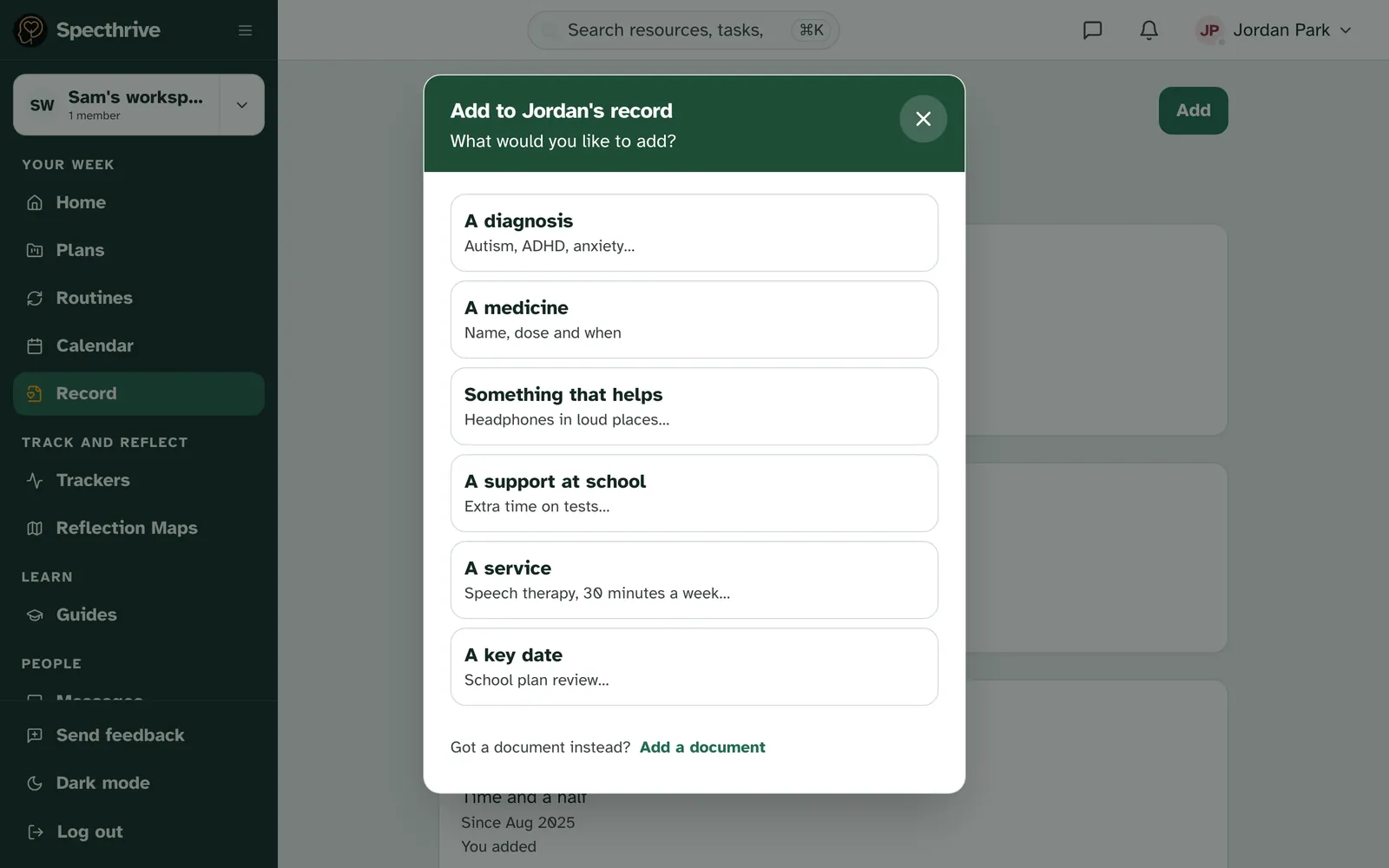
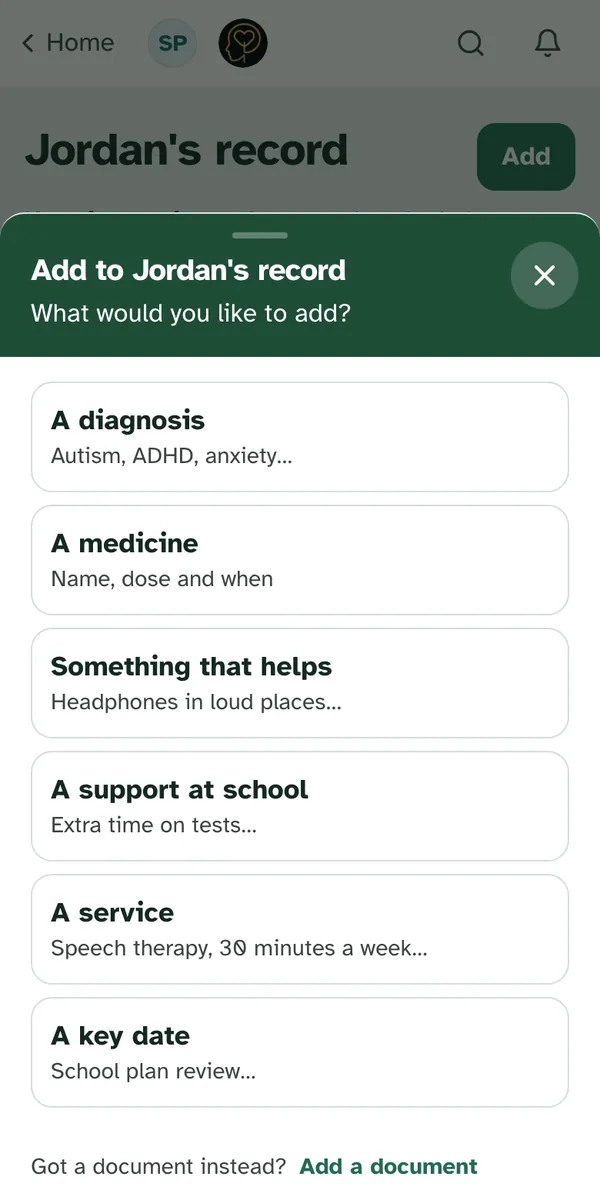
Choose Add at the top of the record. The window Add to Jordan's record asks "What would you like to add?":
| Choice | What it asks |
|---|---|
| A diagnosis | What it is, picked from the list; since when, if you know; and who said so |
| A medicine | The medicine, the dose, when it's taken, since when, and who prescribed it |
| Something that helps | What helps, and when it helps |
| A support at school | The support, how much, and since and until when |
| A service | The service, how often, who provides it, and since when |
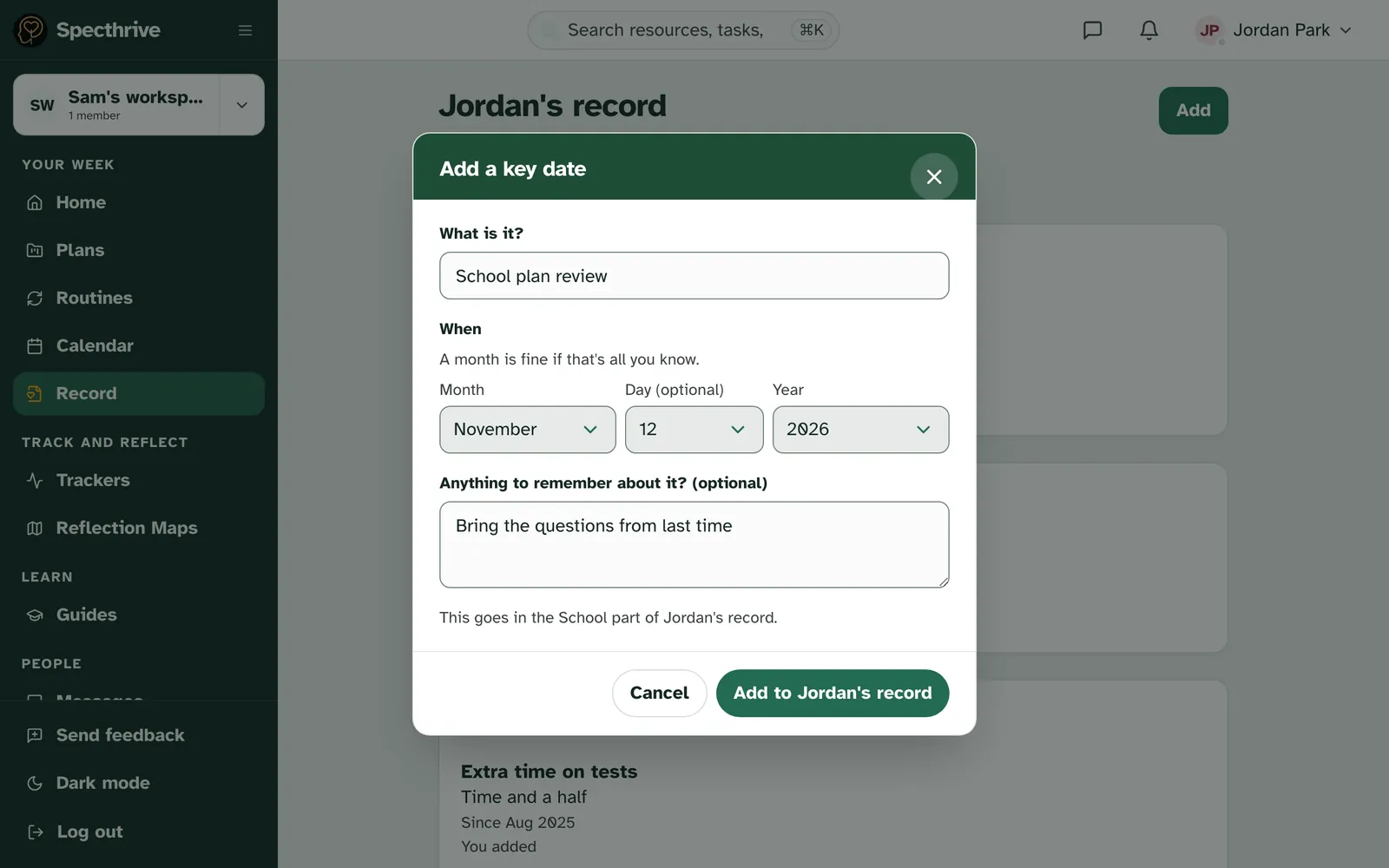
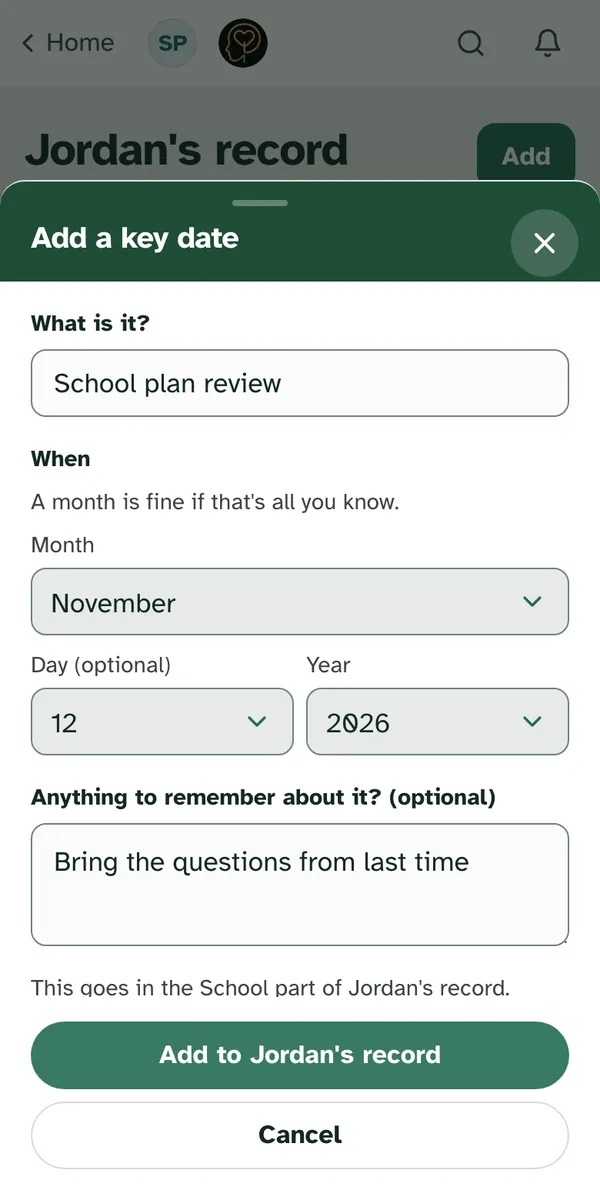
| A key date | What it is, when, and anything to remember about it |
On most forms only the first question is needed. A key date also needs at least a month and a year for when it is. Dates can be rough: "A month is fine if that's all you know." Got a paper copy instead? Add a document sits at the bottom of the window.
Each form says which part of the record it goes in, such as "This goes in the Medical part of Jordan's record." Something that helps and a service can go in either part, so when you can add to both, they ask Which part of the record? instead: Medical, "For doctors and therapists", or School, "For school staff, and a coach if you share it". Choose Add to Jordan's record to save it.
Fix a fact, or say it's no longer true
Open any fact to see its whole story. Where this came from names who added it. How it has changed lists every version, newest first, with the date of each. Who can see it says which part of the record it's in, and who that part is shared with.
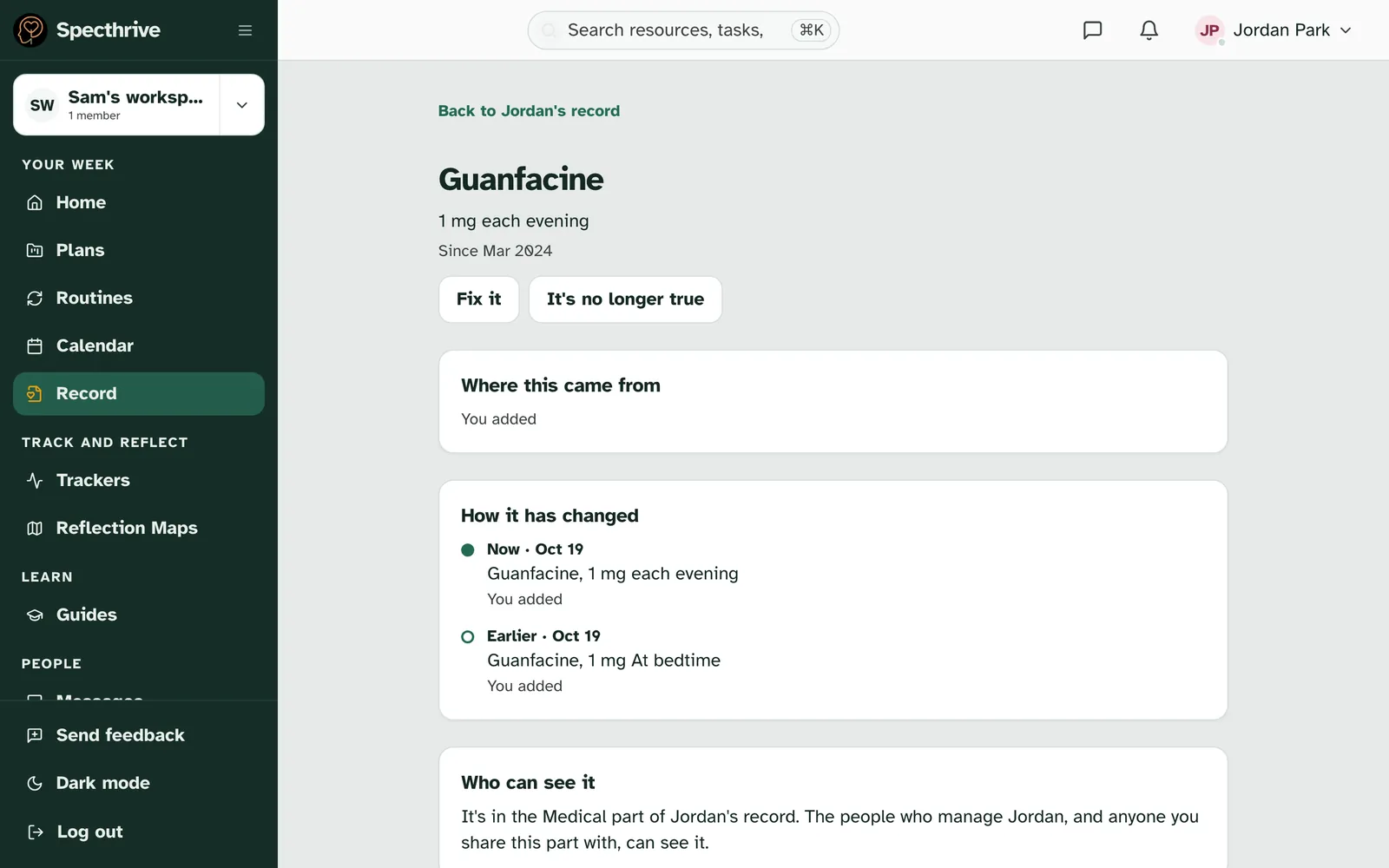
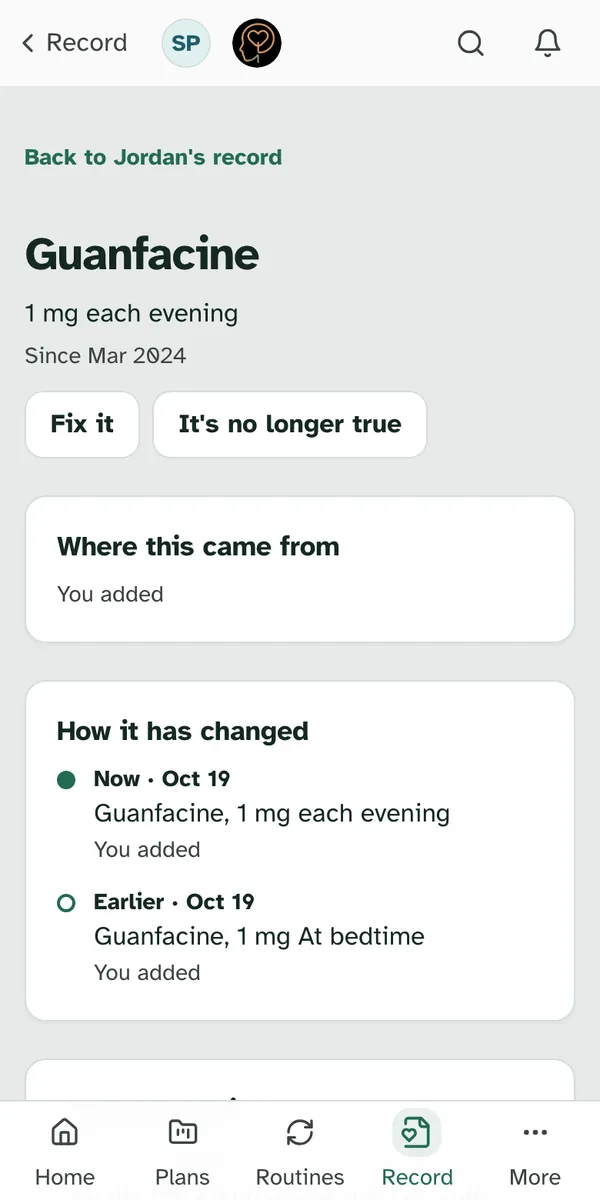
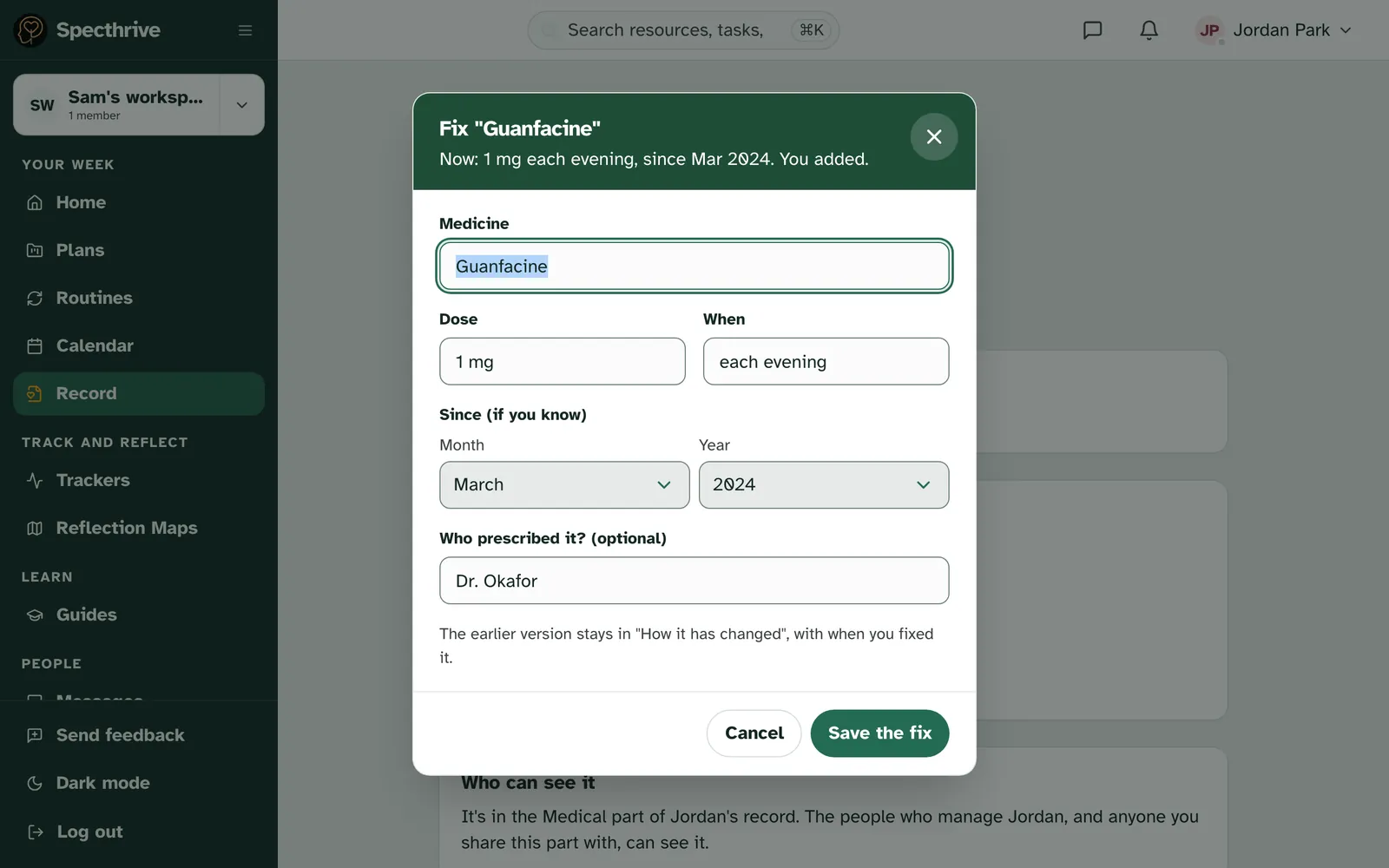
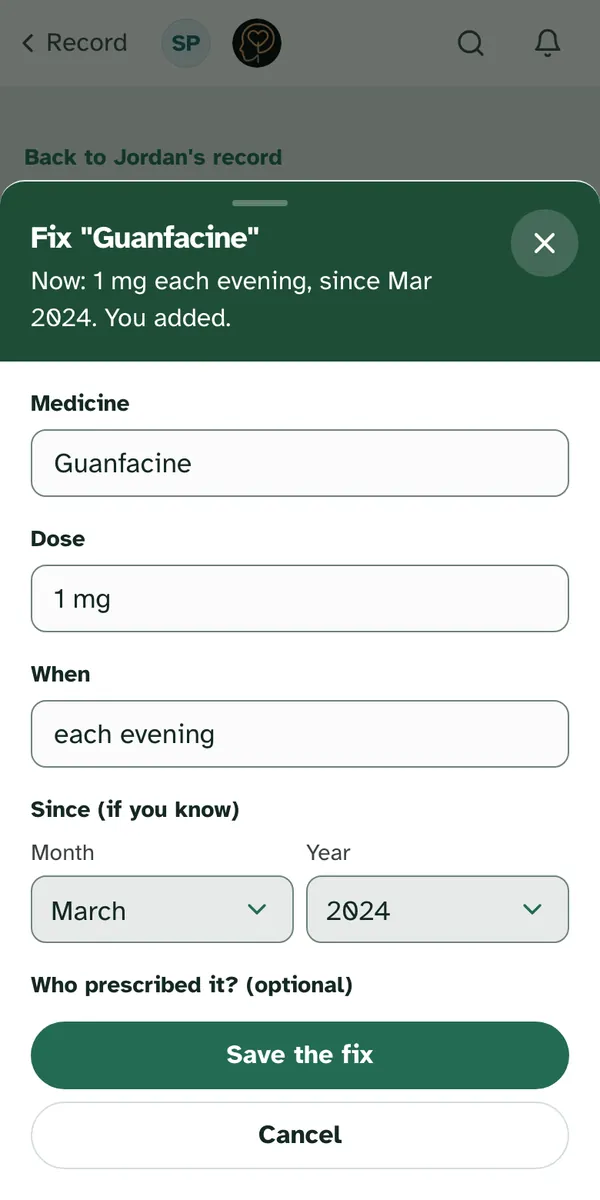
Fix it corrects a fact. Change what's wrong and choose Save the fix. "The earlier version stays in 'How it has changed', with when you fixed it." Nothing is quietly overwritten.
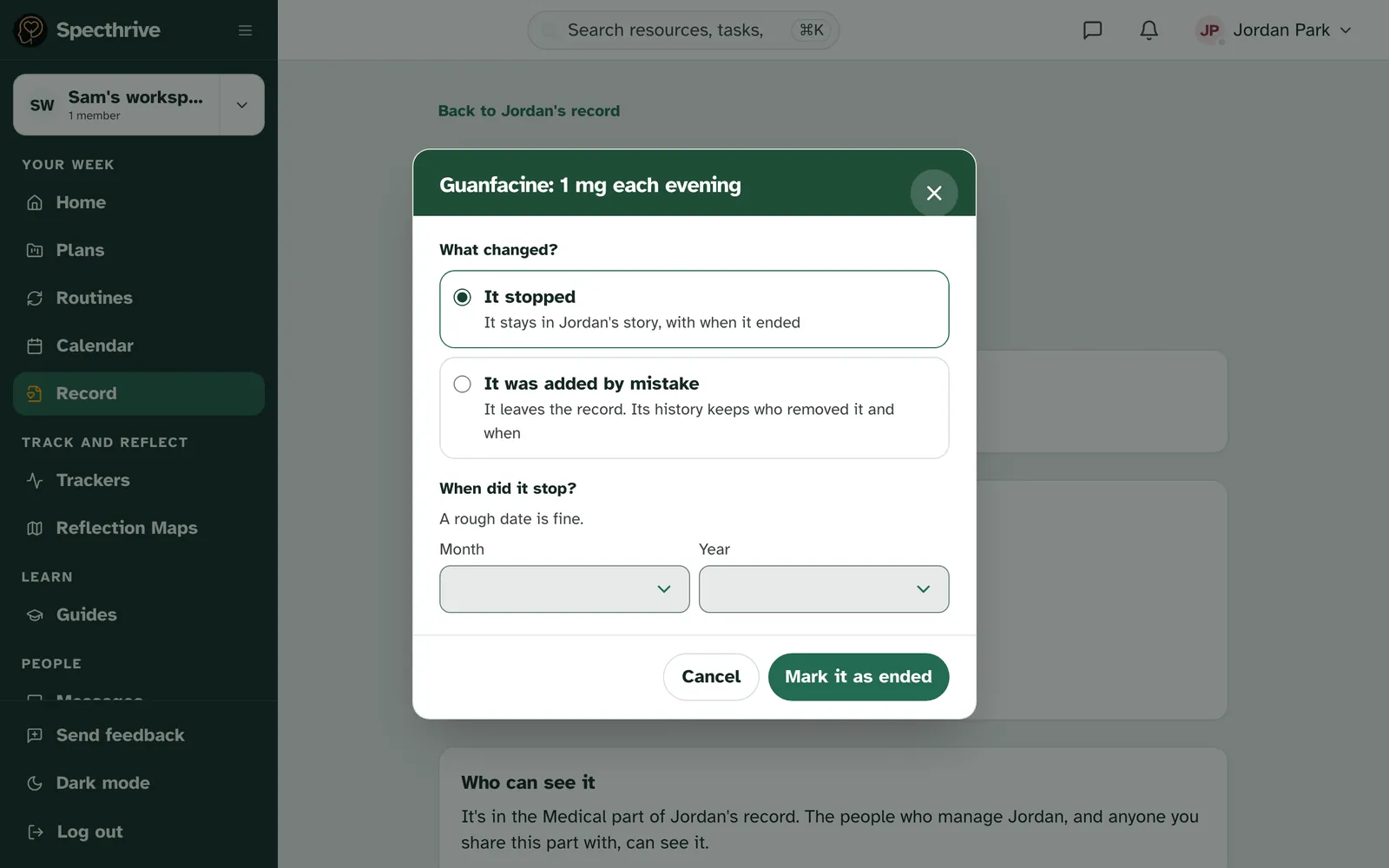
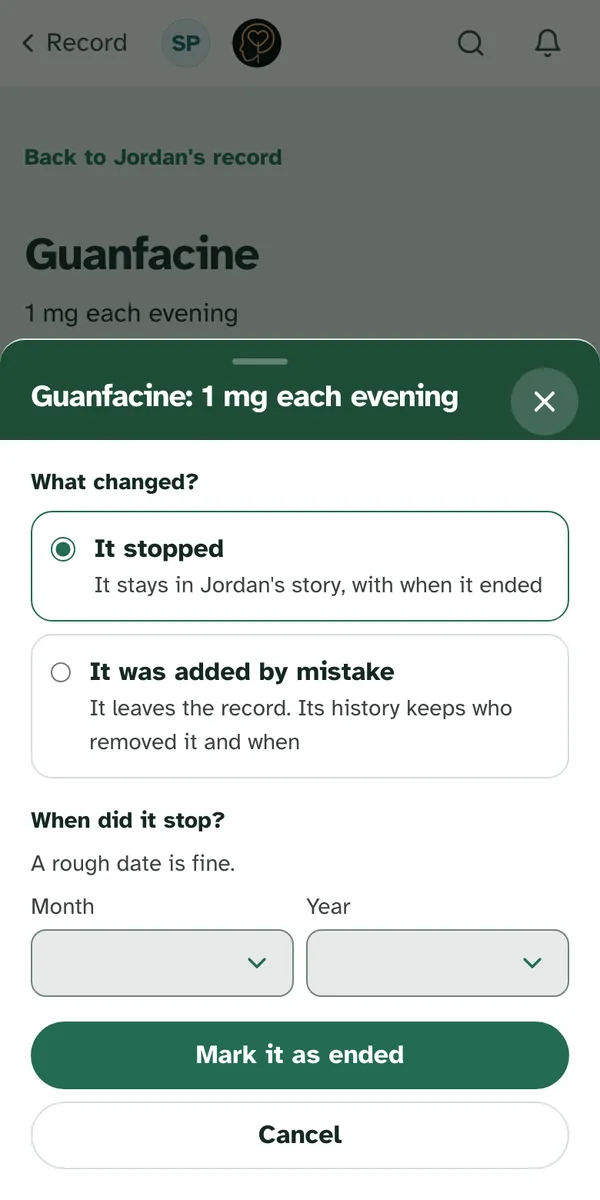
It's no longer true covers two different things. The window asks What changed?
| Choice | What happens |
|---|---|
| It stopped | It stays in Jordan's story, with when it ended. Say roughly when ("A rough date is fine.") and choose Mark it as ended. |
| It was added by mistake | It leaves the record. Its history keeps who removed it and when. Choose Take it out. |
Facts that come from somewhere else, like a tracker or your diagnoses, are changed in that place, using the link on the fact.
When two facts disagree
Sometimes two places say different things. The record puts them side by side under "These two don't say the same thing." and asks "Which is right now?" Pick one, or Both are right, and choose Save. Or choose Fix it instead to correct one of them.
There's no rush. "You can leave this as it is. Both stay in the record, side by side, until you choose."
Who can see the record
The people who manage a profile can see its record. For everyone else, you choose, part by part. The record has a Medical part and a School part, and they're shared as areas, the same way you share plans or trackers. Neither is ever on by default, and turning Medical on for a coach asks you first. Work with a coach walks through choosing areas.
Someone you've shared the Medical or School area with can read the record, but only the parts you shared. Tracker facts and the last four weeks also need the Trackers area, next to the part they sit in. Trackers on its own doesn't open the record. Only someone who manages the profile can add, fix or end a fact.
If nothing has been shared with them yet, they see "Nothing from Jordan's record is shared with you yet". If the record is still being set up, it says so and adds: "Nothing you've added is lost. Check back a little later."
Getting help
Does something in the record look wrong, or sit somewhere you didn't expect? Contact us and tell us what you saw. We read every message.
Still have a question?
If this guide did not cover your situation, reach out. We read every message.