
Hand a profile over when they're ready to run it
For parents and the person a profile is about. Offer an adult their own profile, see what changes, and take it over when it feels right.
When someone whose profile you've kept turns 18, they can run it themselves. You send an invite, they look it over, and nothing changes until they say yes.
This guide covers both sides: offering the profile, and taking it over.
Who can hand a profile over
Handing over is for whoever manages the profile. That's the person who manages it, or an Owner or Admin of the workspace it belongs to. Other workspace members and anyone else the profile is shared with don't see the option. If they open the page anyway, it says "Handing over is for whoever manages" the profile, and "You can still see everything you could before. Nothing has changed."
The person needs to be 18 or older. The option shows on a profile you manage for someone else once their birth month and year say they're 18. If the profile has no birth year, the option shows too.
Offer the profile
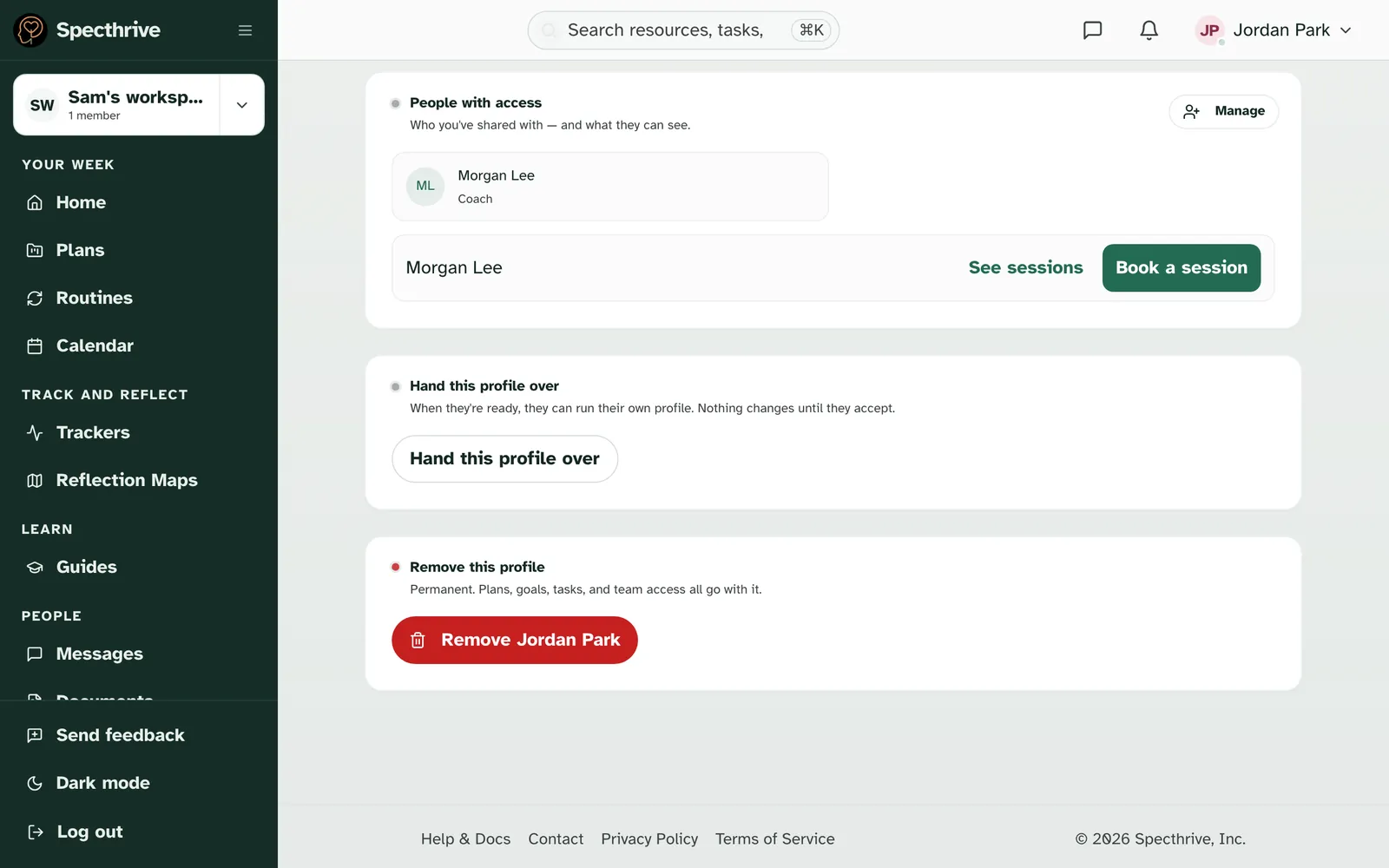
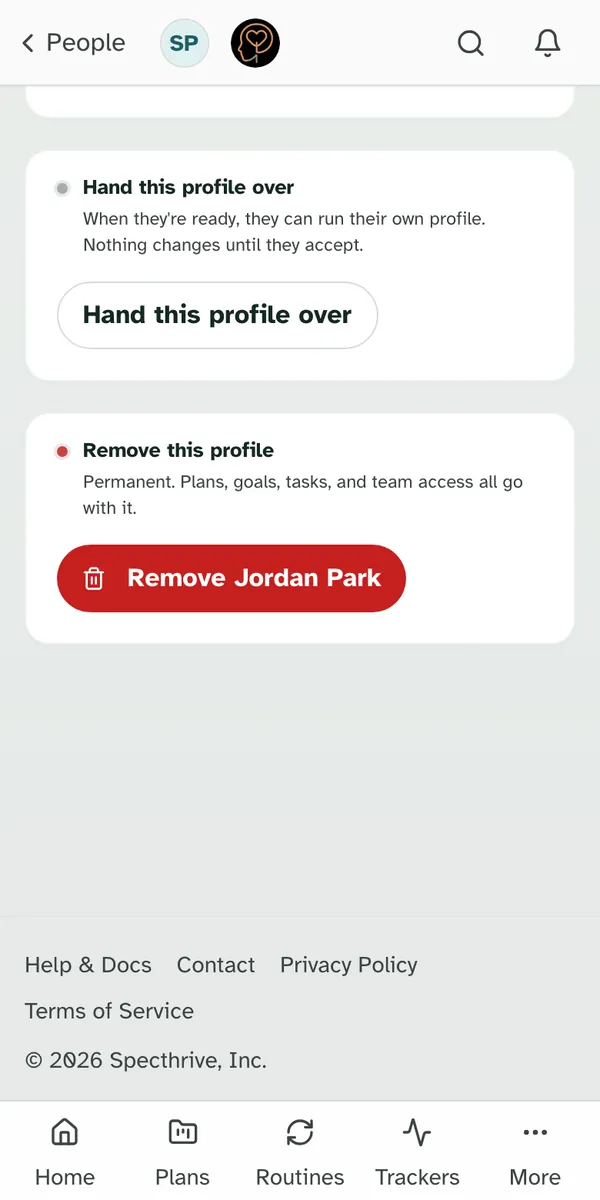
Open the profile and find "Hand this profile over". It sits near the bottom of the profile page: "When they're ready, they can run their own profile. Nothing changes until they accept." Choose Hand this profile over.
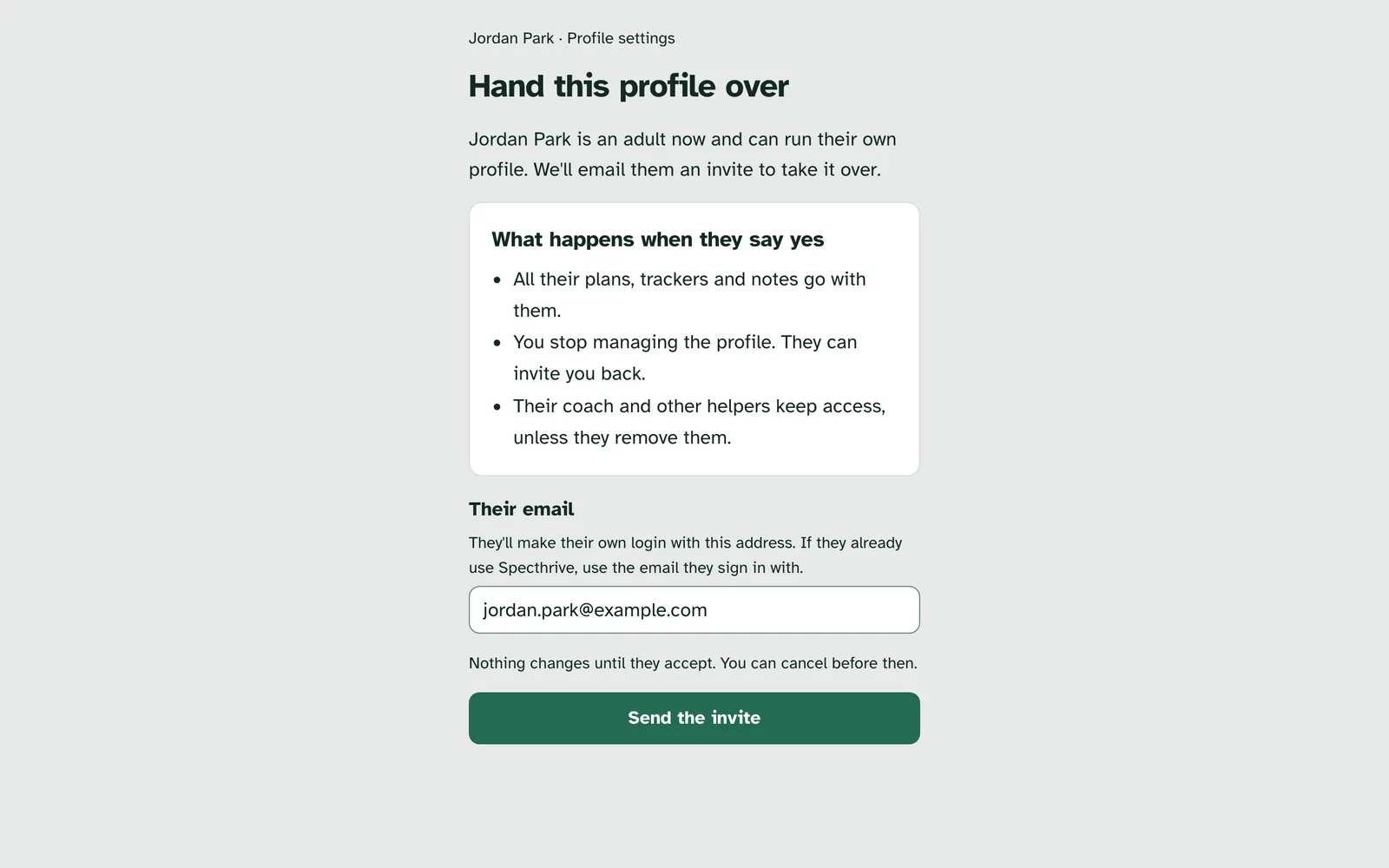
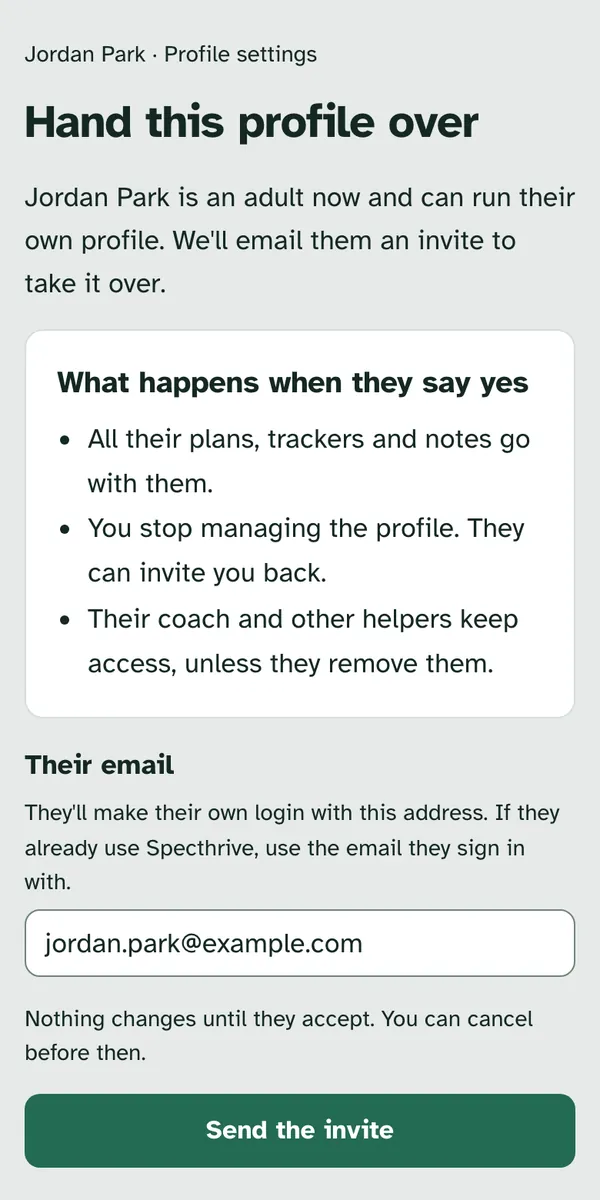
The page says what happens when they say yes.
- All their plans, trackers and notes go with them.
- You stop managing the profile. They can invite you back.
- Their coach and other helpers keep access, unless they remove them.
Add their email and choose Send the invite. "They'll make their own login with this address. If they already use Specthrive, use the email they sign in with." It needs to be their own address, not yours. Nothing changes until they accept, and you can cancel before then.
While you wait
Once the invite is out, the page says "Invite sent". "When they sign in with that address, they'll see what changes and decide." and "You still manage the profile until they say yes." Their email shows with most of it hidden, like j***@example.com.
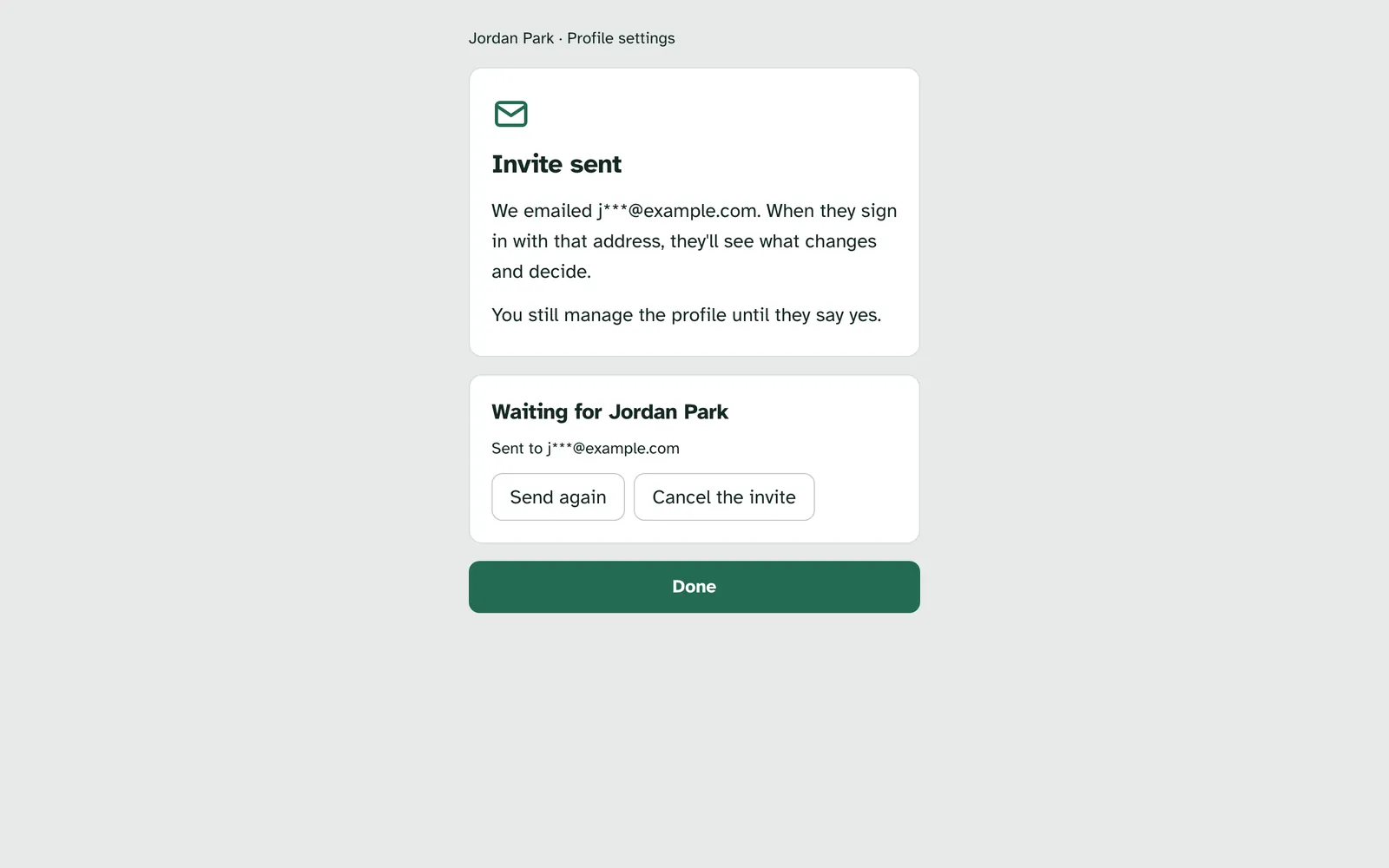
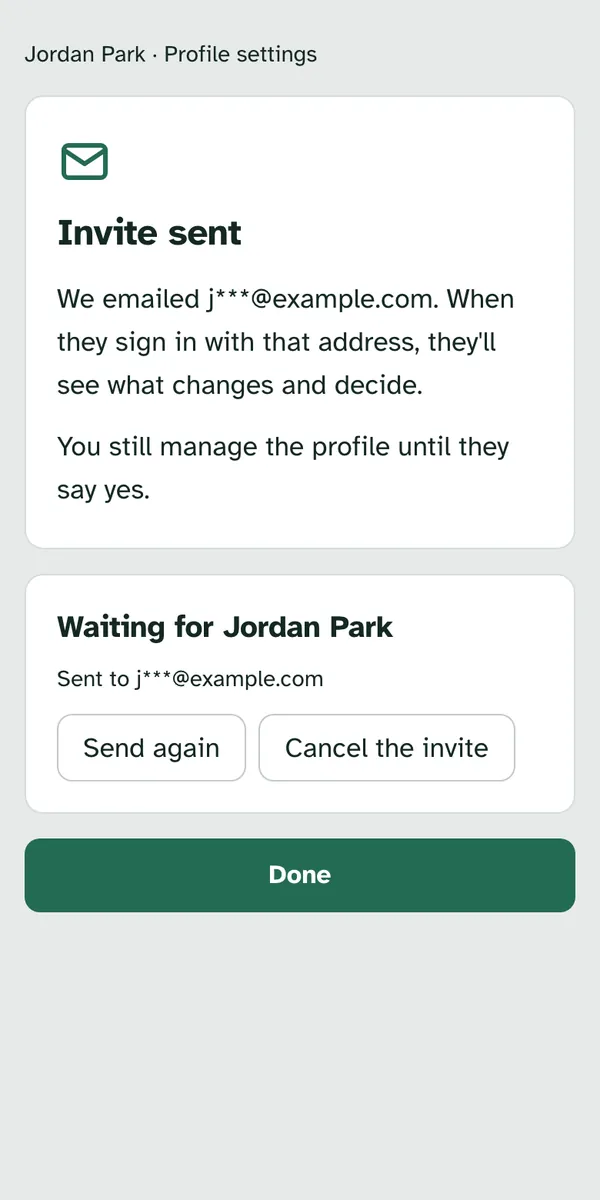
Coming back to the page shows where things stand.
| The page says | What it means | What you can do |
|---|---|---|
| Invite sent | The email went out | Send again or Cancel the invite |
| The email didn't go out | We couldn't send it. Nothing has changed. | Send again or Cancel the invite |
| Jordan has signed in to look | They're looking at what changes. "It's their choice, and there's no rush." | Cancel the invite |
| The link has run out | "Links last a week. Nothing has changed." | Send a fresh link or Cancel the invite |
Cancelling leaves everything as it was. The page says "Invite cancelled. Nothing has changed." and you can offer again later.
If they say no thanks, the page says so next time you open it: "You still manage the profile, and you can offer again whenever it feels right."
Once they take it over, you don't manage it any more. If you open the page again, it says "You don't manage this profile now" and "If it was handed over, it's theirs now. Nothing else has changed." If they've shared the profile with you, it says the profile "is theirs now" and "They decide who can see it."
The invite email
| Subject | Button | |
|---|---|---|
| The invite | "Sam Park is handing your Specthrive profile to you" | Take a look |
The email says nothing about what's on the profile. It asks them to make their own login with that address and look it over, and says nothing changes until they say yes. The link works for a week.
Open the invite
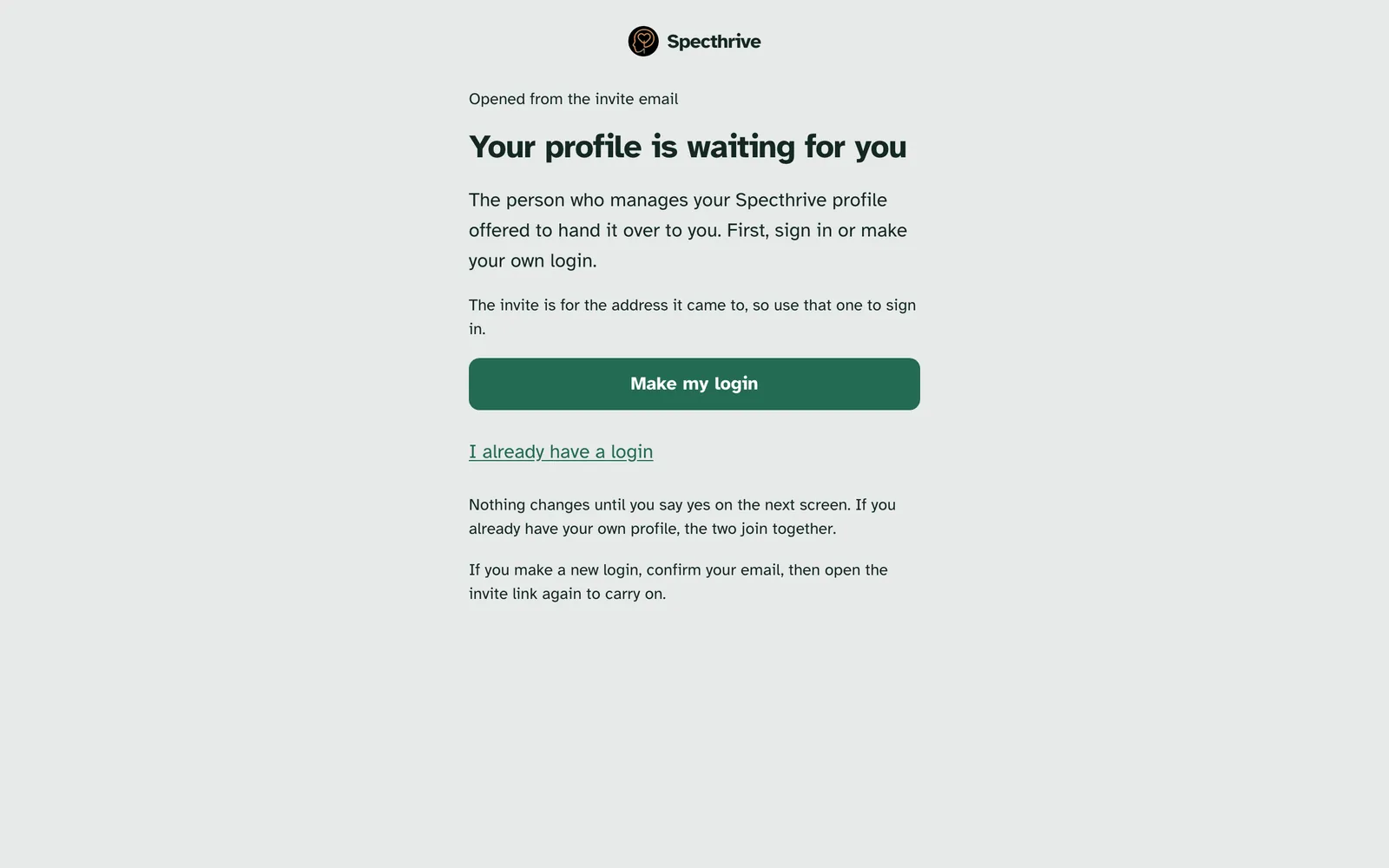
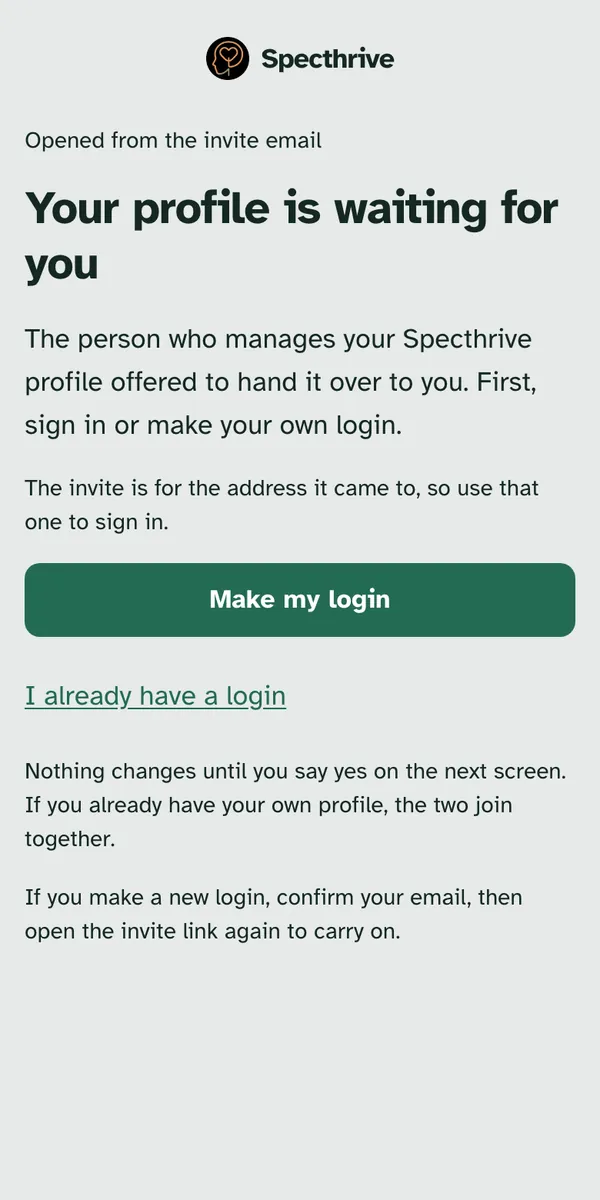
The link opens "Your profile is waiting for you". It asks them to sign in, or make a login first. "The invite is for the address it came to, so use that one to sign in."
- Make my login is for someone new to Specthrive. They confirm their email, then open the invite link again to carry on.
- I already have a login is for someone who already uses Specthrive. If they already have a profile of their own, the two join together.
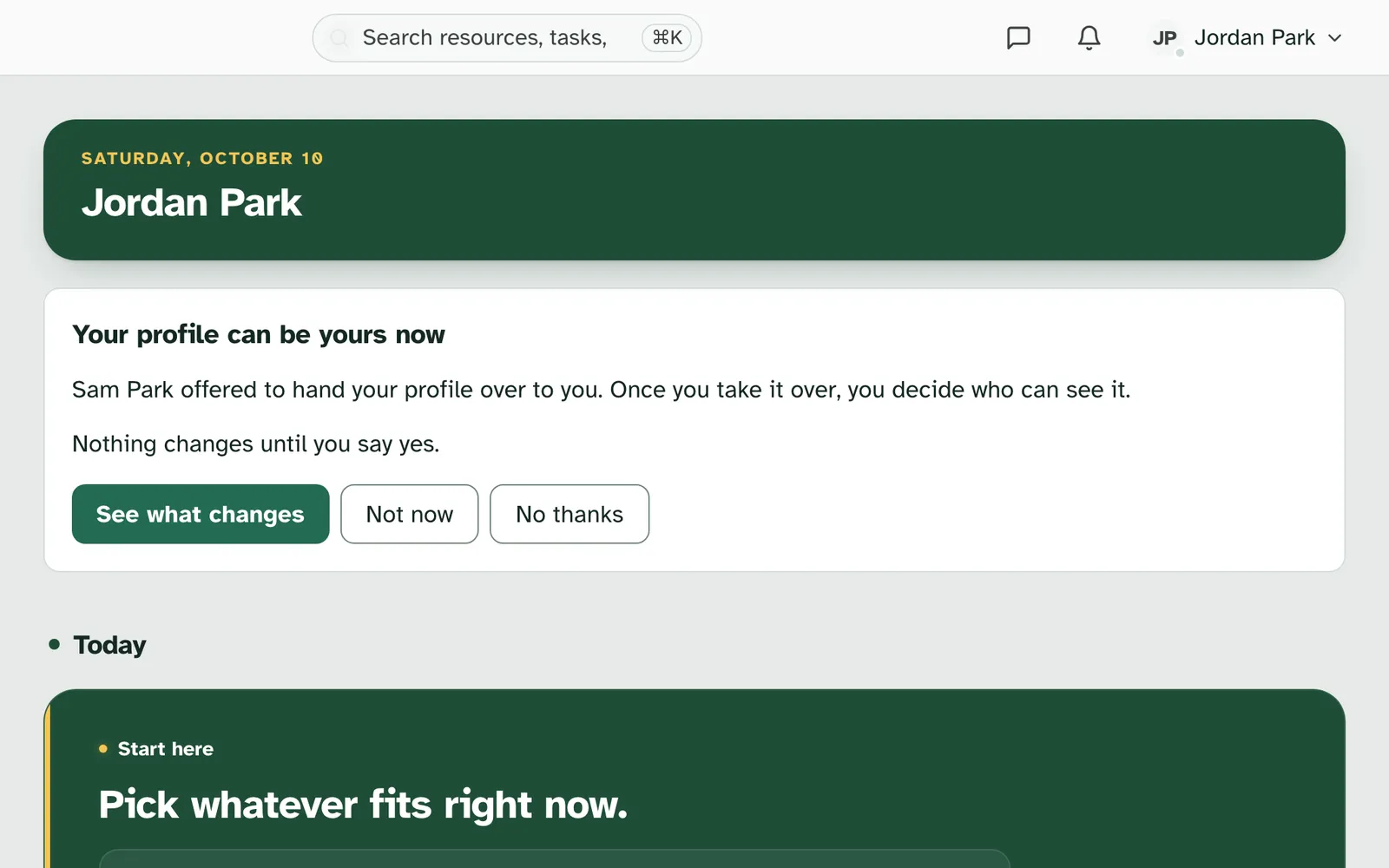
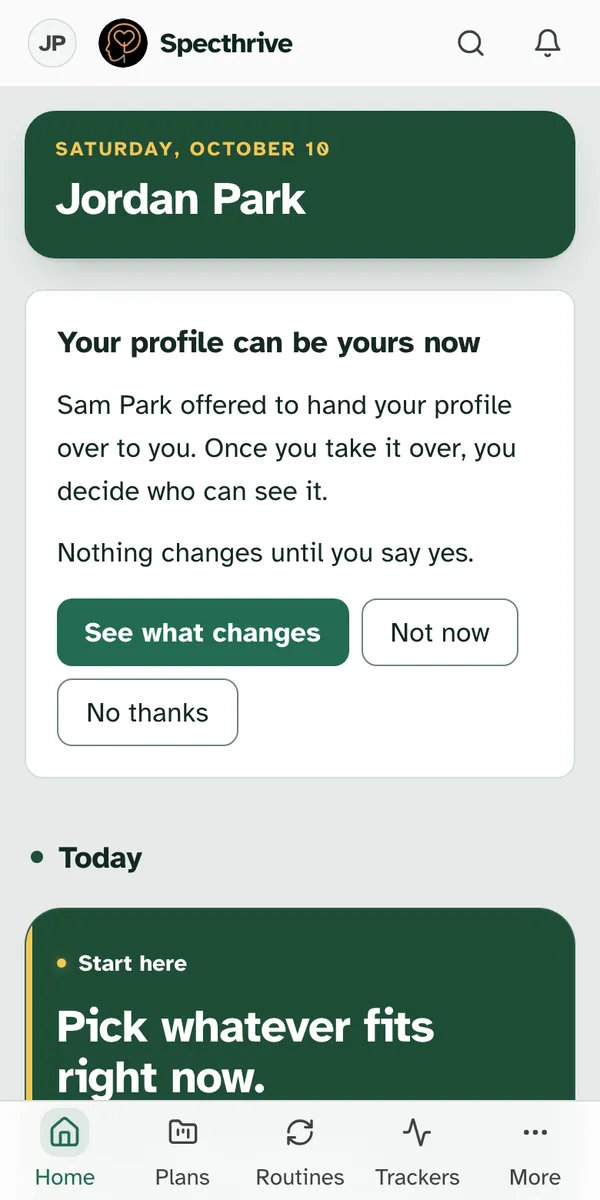
The offer waits on their Today page too. Once they're signed in, a card says "Your profile can be yours now" and "Nothing changes until you say yes."
- See what changes opens the offer.
- Not now hides the card for now, with no answer sent. It stays hidden in that browser tab and comes back when they open Specthrive in a new one.
- No thanks turns the offer down. The card says "Okay, nothing has changed."
Take over your profile
Before anything changes, you see who can see it after. "Your plans, trackers and notes stay just as they are."
- Stops managing it names the person who managed it, and says they "won't manage your profile anymore".
- Keeps access lists the people who help you, like a coach, with what each one sees. "They keep what they can see now unless you remove them." If there's no one, it says "No one else keeps access. Only you will see your profile."
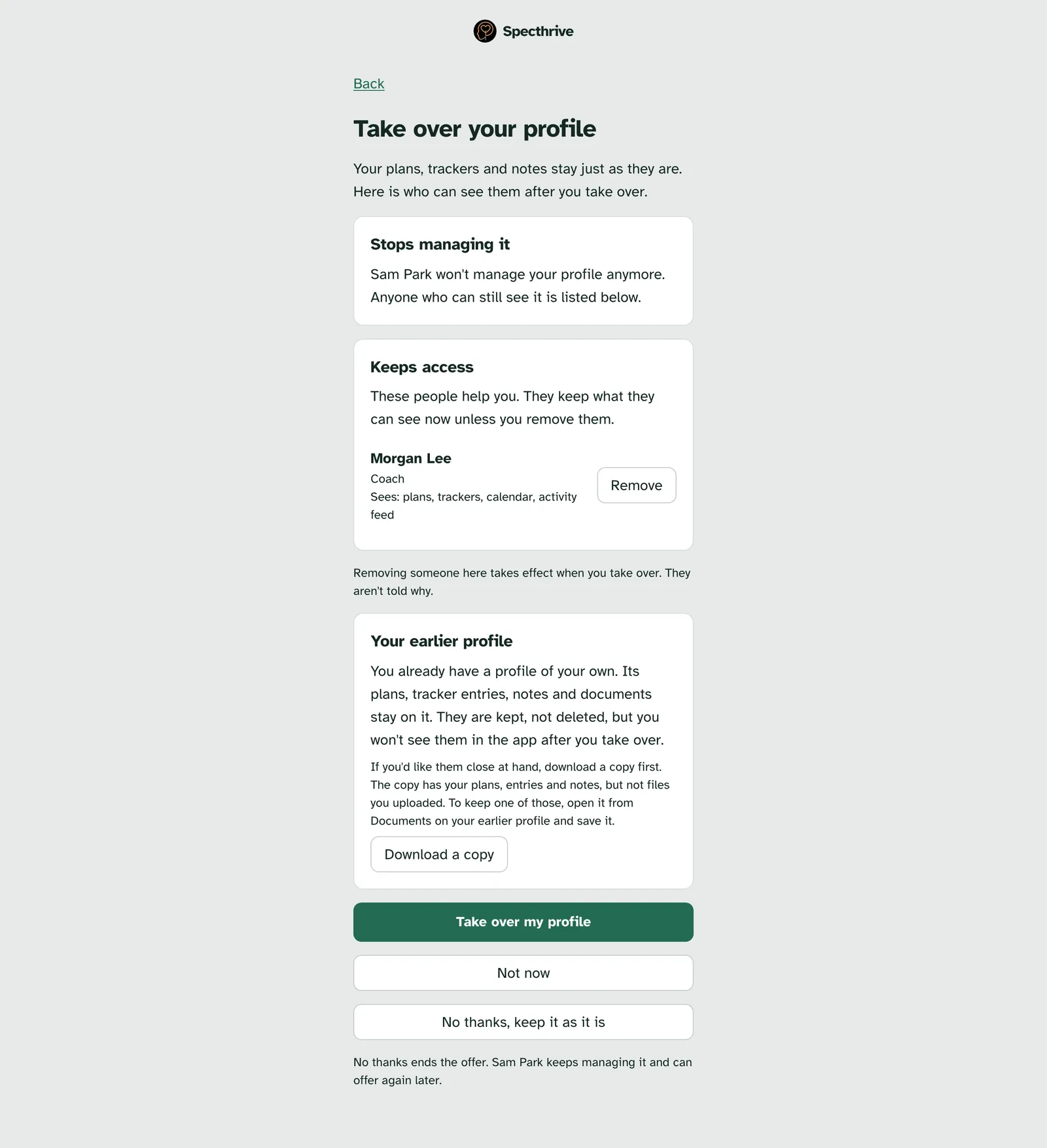
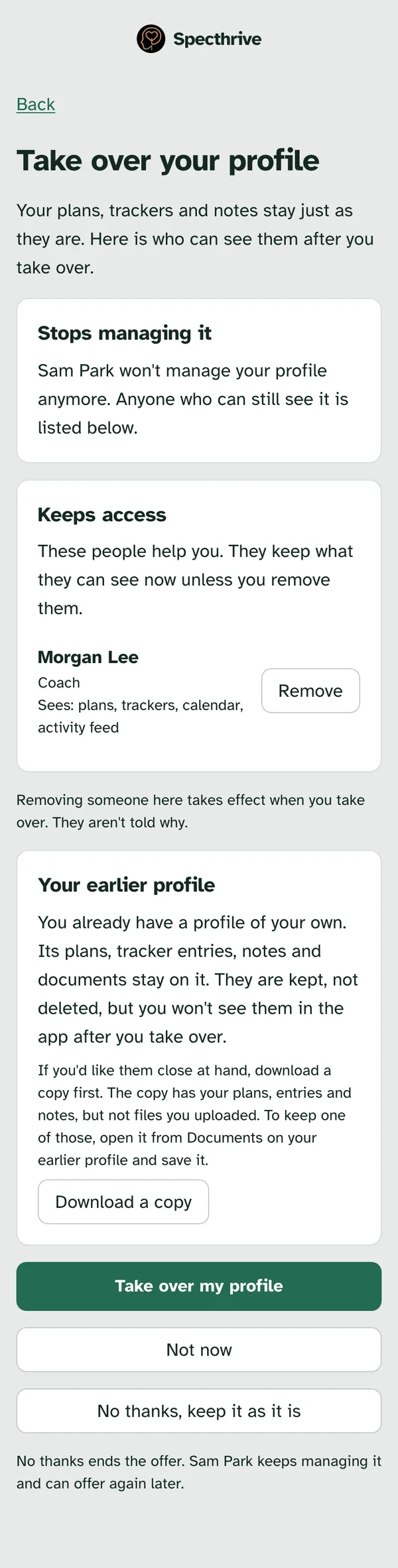
You can take anyone off the list first. Choose Remove next to their name. A note says they "will lose access when you take over", with Undo. Removing someone only happens once you take over, and they aren't told why.
If you already have a profile of your own, a card called Your earlier profile says its plans, tracker entries, notes and documents stay on it. "They are kept, not deleted, but you won't see them in the app after you take over." Download a copy saves them first. The copy leaves out files you uploaded, so open any you want from Documents on your earlier profile and save them.
Then choose one of three.
- Take over my profile makes it yours at once.
- Not now goes back to Today and leaves the offer open.
- No thanks, keep it as it is ends the offer. The person who manages it keeps managing it and can offer again later.
It's yours now
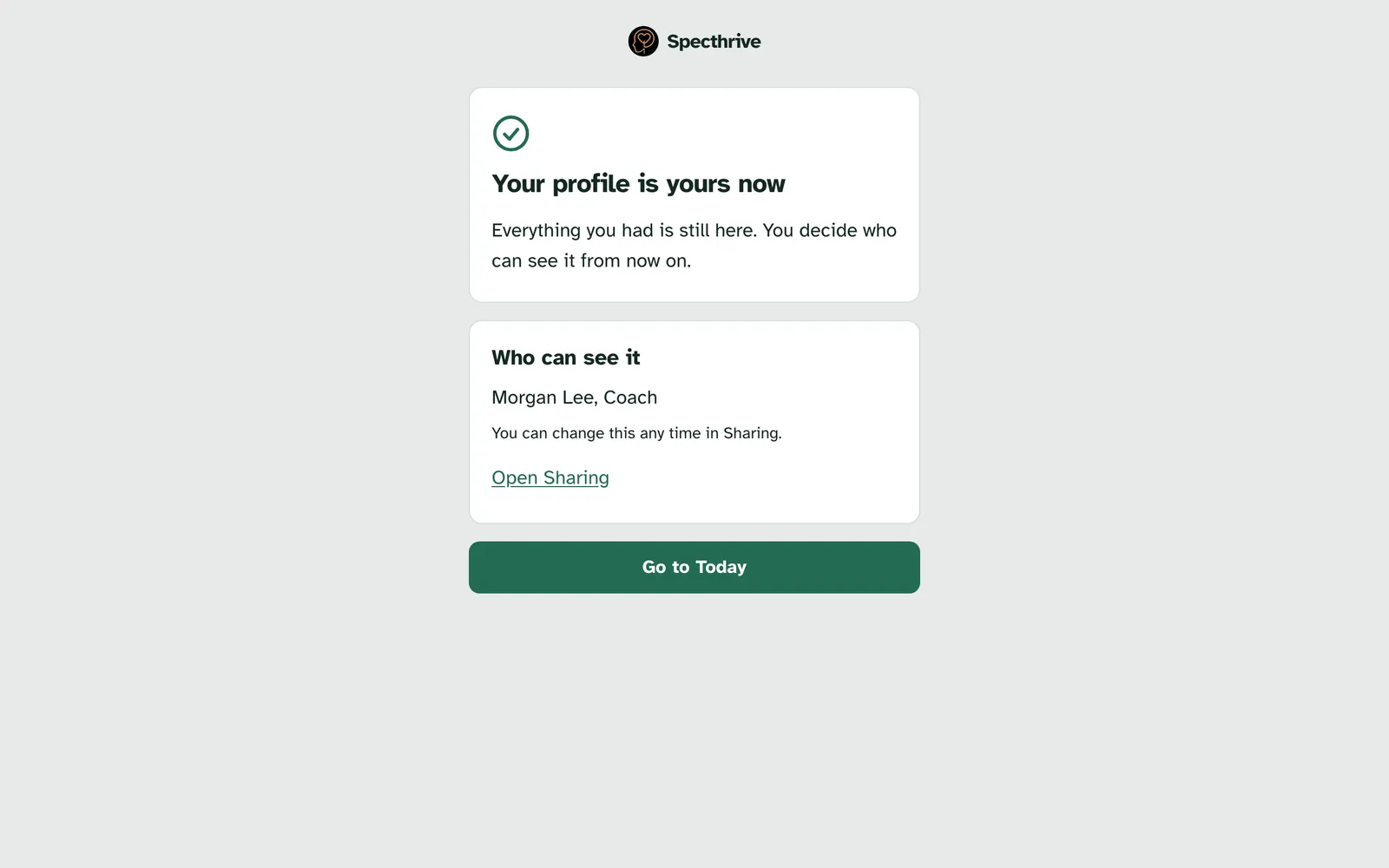
Once you take it over, you see "Your profile is yours now". "Everything you had is still here. You decide who can see it from now on." Who can see it lists everyone who still can, or "Only you." You can change it any time in Sharing.
If something doesn't go through
Every one of these leaves the profile as it was.
- "That didn't go through. Nothing has changed, so you can try again."
- This link has run out: "Links last a week. Nothing has changed." The person who sent it can send a fresh one.
- This link isn't available: if you have more than one login, sign in with the address the invite came to and open the link again.
- This offer isn't open any more: the person who sent it may have cancelled it, and they can offer again.
Getting help
If handing over doesn't work the way this page says, contact us and we'll help.
For who can see a profile and how sharing works, see Profiles vs workspaces.
Still have a question?
If this guide did not cover your situation, reach out. We read every message.