Delete your account
What deleting your Specthrive account removes, what the people you worked with still see, and the steps, one at a time.
You can delete your Specthrive account yourself, whenever you choose, from Settings → Account. Nothing is deleted until the very last step, and you can stop at any point before it.
This guide covers what deleting removes, what stays for the people you worked with, and the steps themselves.
What deleting removes
Your name and the details that identify you. Your name, email address, username, display name and photo are removed from your account. So is anything you wrote for a public profile: your bio, location, title, organization and licenses.
Every way of signing in. Your password, any sign-in through another service, your passkeys and two-step verification are all removed. Every signed-in session ends at once, on every device, and push notifications stop.
Your profiles and your workspace. Your own profile is deleted, and so is any profile that only you manage. As the page puts it: "Data is kept for 30 days as a safety measure, then permanently removed." A workspace that only you use is removed. If you belong to someone else's workspace, you leave it, and "other members keep their workspace and its profiles".
Sharing ends in both directions. People you shared a profile with lose access to it, and you lose access to anything that was shared with you.
Any active subscription is cancelled. The one exception is a subscription you pay for through the App Store. Apple bills that one, so deleting your account doesn't stop it. The final step tells you so: "Your subscription is billed by Apple and isn't cancelled by deleting your account." Cancel it with Apple as well. If a charge from Specthrive ever reaches you after your account is deleted, get in touch.
What the people you worked with still see
Your conversations stay readable to the other people in them. A thread they had with you doesn't vanish from their side. Where your name used to be, they see "Deleted account".
Accounts deleted earlier were cleaned up the same way. If an account was deleted before this page was written, its name, username and public-profile details have been removed too.
How to delete your account
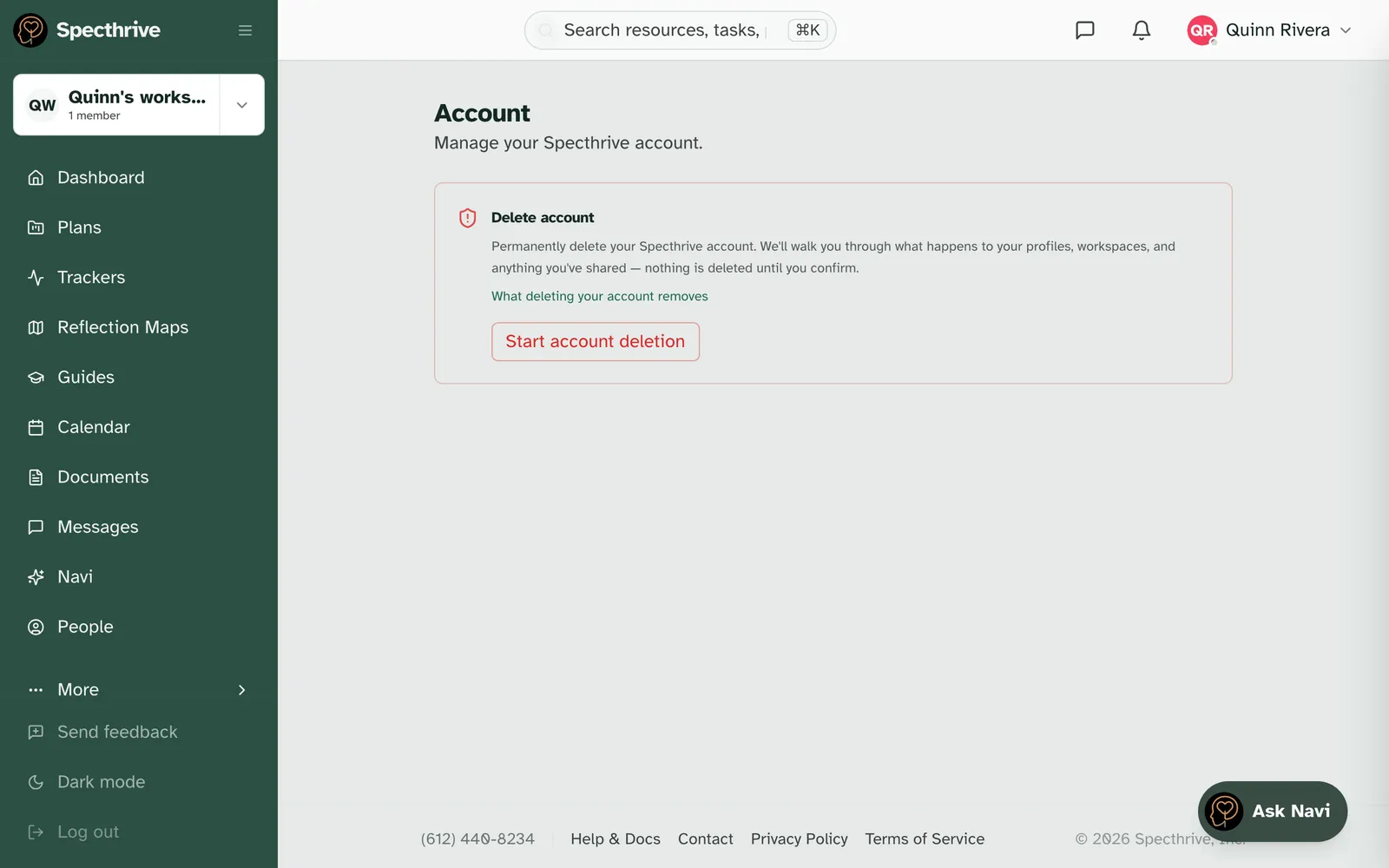
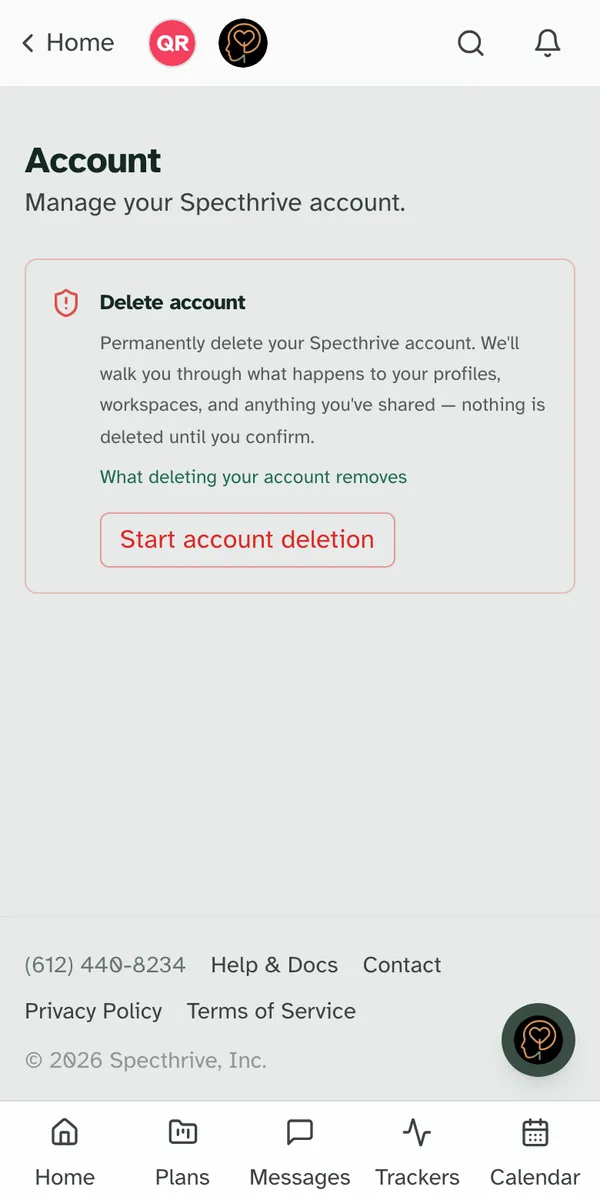
1. Open Settings → Account. The Delete account card reads "Permanently delete your Specthrive account." Choose Start account deletion. This only opens the next page; nothing is deleted yet.
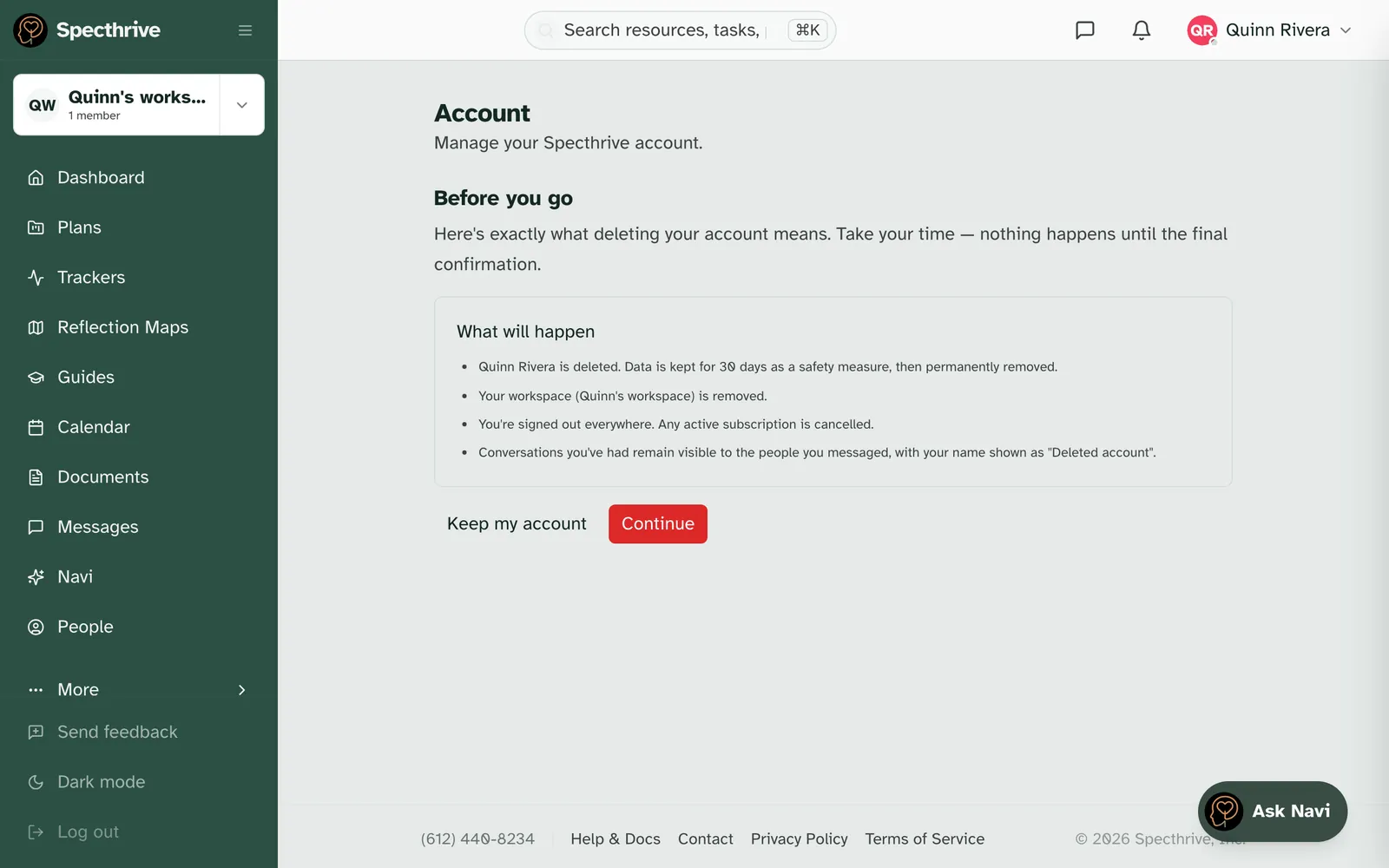
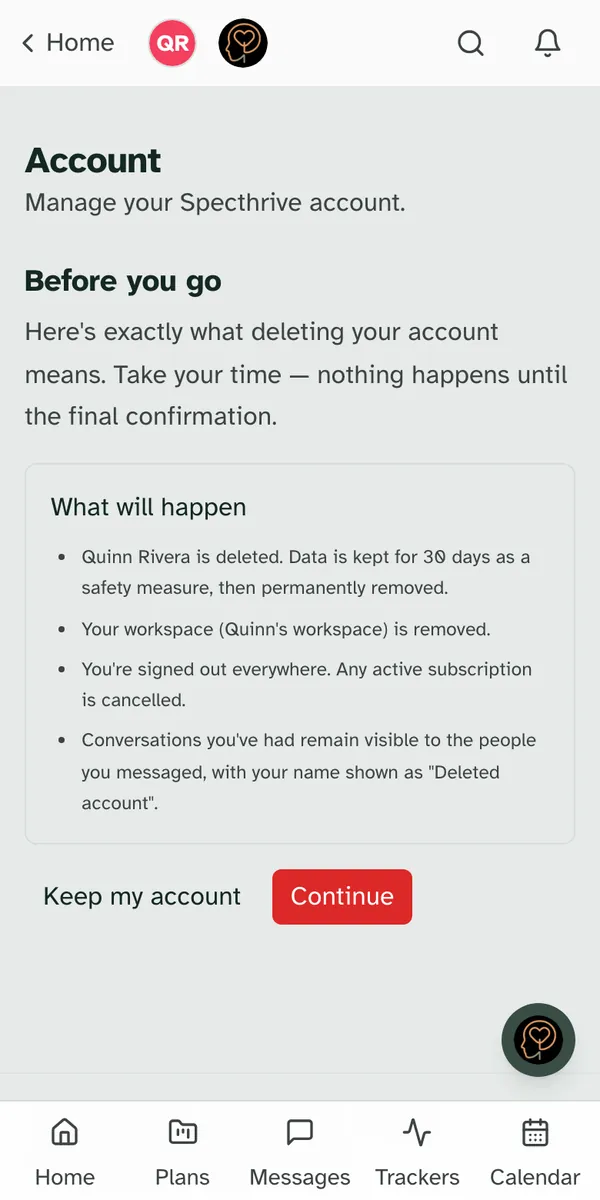
2. Read Before you go. Under What will happen, the page lists what deleting means for your account in particular: which profiles and which workspace are deleted, that you're signed out everywhere, and that your conversations stay readable to the people you messaged.
Two things can come first on this page, and each one asks something of you:
- A workspace that needs a new owner. If you're the only owner of a workspace other people rely on, the page says it "needs a new owner first". Give ownership to someone you trust, or remove the workspace, from Open workspace settings, then come back and check again.
- A record that is shared. If a profile you manage is shared with other people, the page names who has access. You tick "I understand this record will be deleted and the people above will lose access to it." If someone should keep caring for that record, you can transfer management to them from the profile page instead.
Keep my account takes you back, with nothing changed. Continue moves on.
3. Confirm it's you. If you haven't signed in recently, you're asked to: "Deleting an account is permanent, so we ask you to sign in again right before it happens." Enter your password, or, if you sign in through another service, go through sign-in once more and you come straight back.
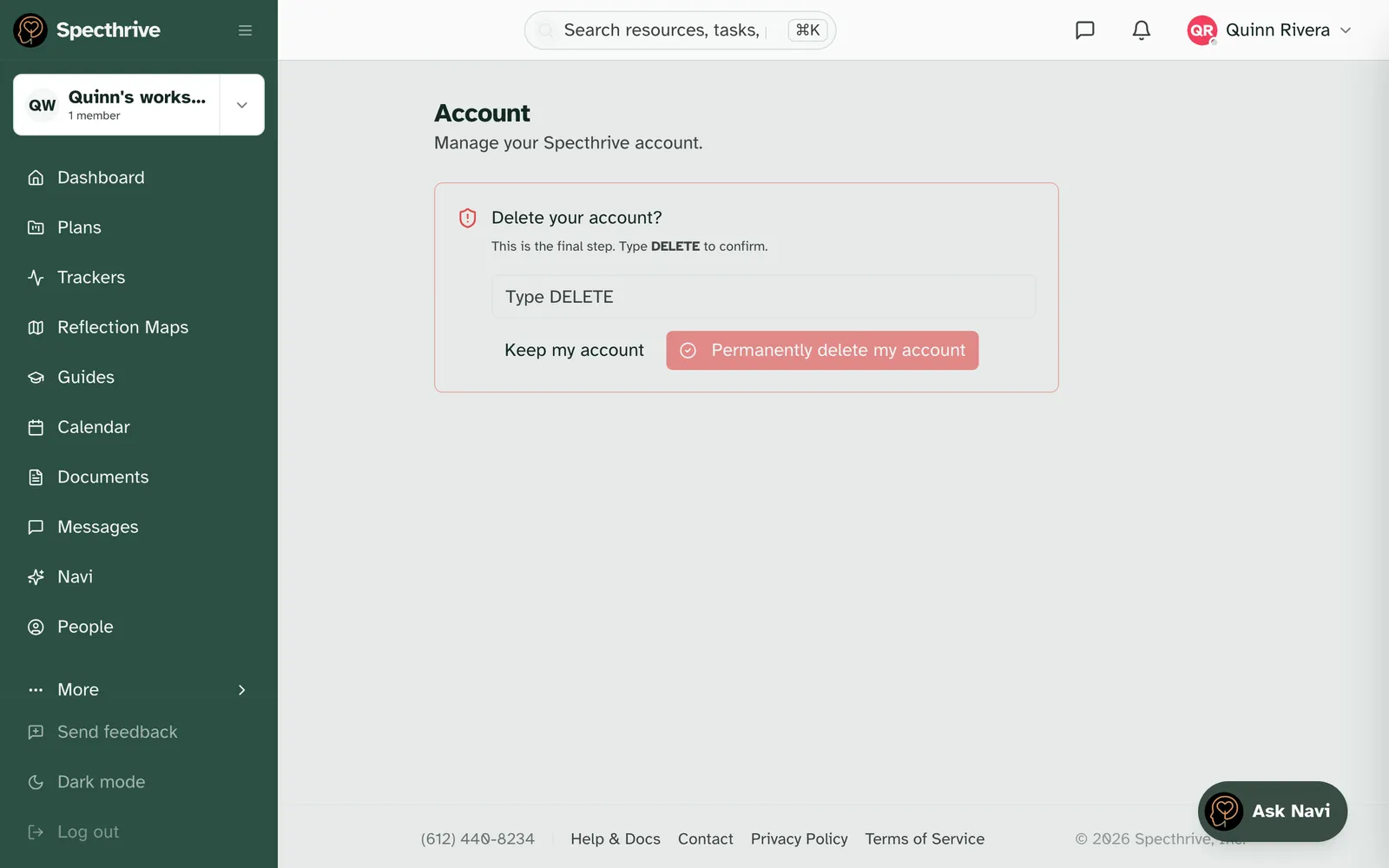
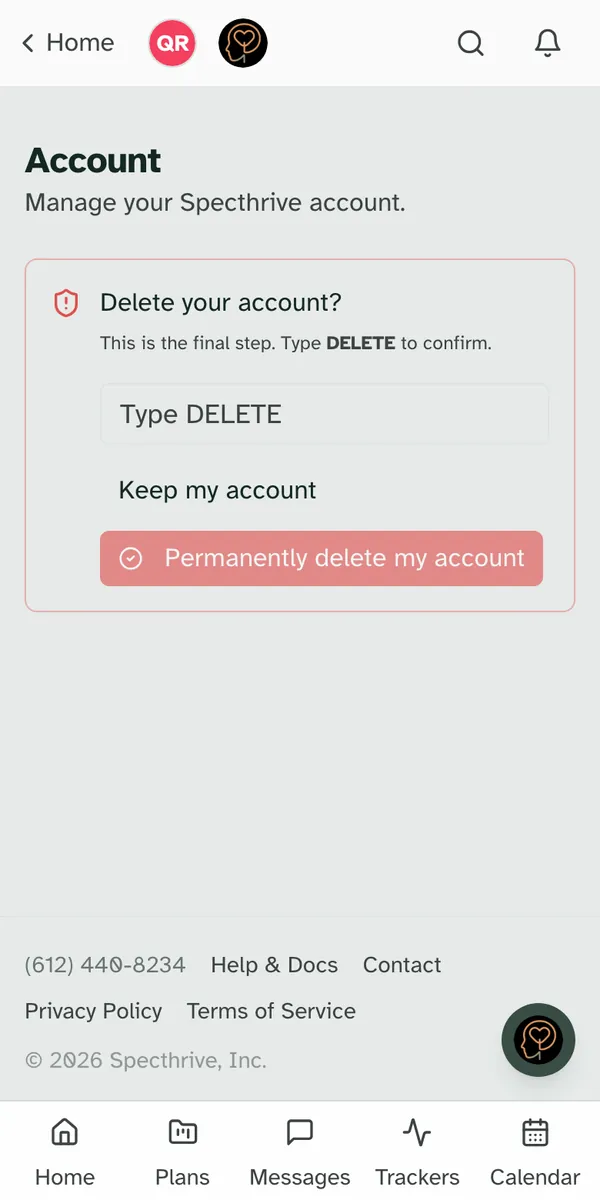
4. The final step. The card asks "Delete your account?" Type DELETE in the box, then choose Permanently delete my account. Keep my account is right beside it, until the very end.
Afterwards you see "Your account has been deleted". The page also says "A confirmation email is on its way", sent to the address the account used. If you ever want to come back, you can create a new account at any time.
Getting help
If something here does not match what you see on your screen, or you'd like to talk it through before you delete anything, get in touch.
Still have a question?
If this guide did not cover your situation, reach out. We read every message.